





















Chrome Extension
Install the VPNSecure Proxy extension straight from the Chrome Web Store. Sign in with your VPNSecure account, pick a proxy location and your Chrome traffic is instantly rerouted — everything else on your machine stays untouched.
Take VPNSecure with you inside Chrome. Our lightweight extension routes your browser traffic through our rebuilt HTTP proxy infrastructure — hide your IP address, switch locations in one click and keep your browsing private, no desktop app required.

Install the VPNSecure Proxy extension straight from the Chrome Web Store. Sign in with your VPNSecure account, pick a proxy location and your Chrome traffic is instantly rerouted — everything else on your machine stays untouched.
Once you have downloaded and installed the appropriate app from above, enabling your VPN is as simple as open, click and go!
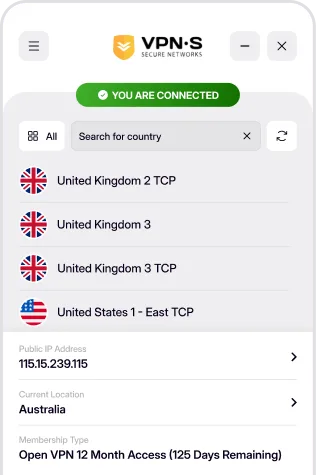
Login, then choose a server to connect to & connect! You are now enjoying the internet as it should be. Open, secure and anonymously.
Add the extension to Chrome, then enter your VPNSecure credentials.
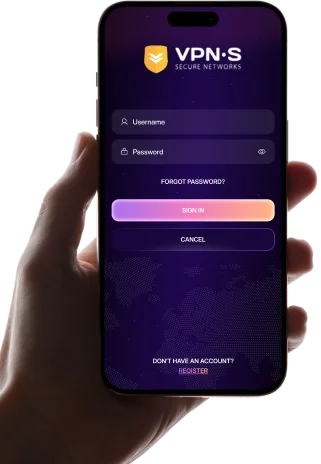
Pick one of our HTTP proxy servers from the list.
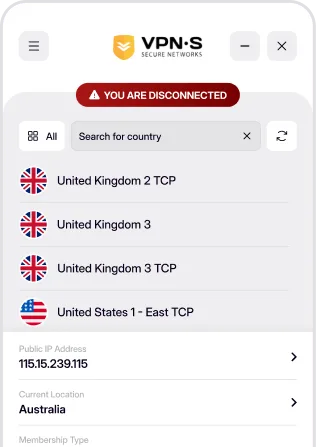
Your Chrome traffic now exits from the location you chose — private, secure and anonymous.
Up to 10 devices on one plan, TVs included. No logs, ever.