




In short
A public Wi-Fi VPN can reduce the chance that people on the same network can inspect or interfere with your internet traffic by encrypting the connection from your device to the VPN server. A VPN does not stop phishing, malware, fake websites, or unsafe downloads, so it works best alongside careful network and account-security habits.
Key takeaways
- A VPN encrypts traffic between a device and the VPN server, which adds privacy protection on an untrusted Wi-Fi network.
- HTTPS already encrypts most website connections, but a VPN can still reduce what the local network can observe and adds protection for traffic that is not otherwise encrypted.
- A VPN cannot tell whether a website is a scam, remove malware already on a device, or protect a password entered into a fake sign-in page.
- At hotels and airports, complete the legitimate Wi-Fi sign-in page first, then connect the VPN before opening sensitive services.
- Confirm the network name with staff, turn off auto-join, keep devices updated, and use multifactor authentication for important accounts.
Contents
- Will a VPN protect you on public Wi-Fi?
- What can a VPN protect against on a shared network?
- What can a VPN not protect you from?
- How do you use public Wi-Fi safely at an airport, hotel or café?
- Can I use VPN on a public WiFi?
- Which VPN is best for public WiFi?
- What not to do on public WiFi?
- Public Wi-Fi VPN FAQ
Will a VPN protect you on public Wi-Fi?
Yes, a VPN is a worthwhile extra layer on public Wi-Fi because it encrypts traffic between your device and the VPN server. That makes it harder for someone operating or sharing the local network to read traffic that is not already protected and can reduce the network-level information exposed to the hotspot.
The risk is real but needs context. The Federal Trade Commission said in 2023 that widespread website encryption means public Wi-Fi is usually safe for ordinary browsing, provided the site uses HTTPS. The same guidance warns that encryption does not make a scam site trustworthy. The FTC public Wi-Fi guidance is a useful reminder that a padlock protects the connection to a website, not the intentions of the person running that website.
A VPN adds a protected route for device traffic before it reaches the wider internet. NIST describes VPNs as a way to protect communications carried over public networks. For a plain-language explanation of the route, see how VPN encryption works.
The practical answer is simple: use a VPN on airport, hotel, café, library, and shared-workspace Wi-Fi when possible, but do not treat it as permission to ignore warning signs.
A VPN helps protect the connection, not every decision made while using it.
What can a VPN protect against on a shared network?
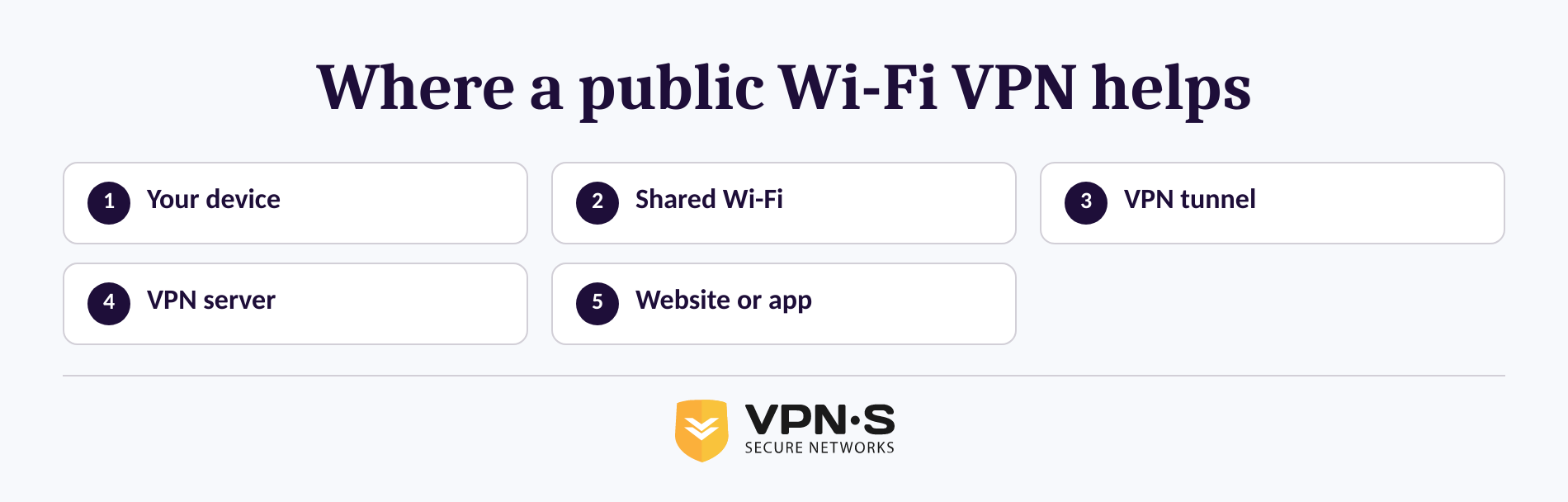
A VPN can reduce exposure to local network snooping by encrypting traffic from your device to the VPN server. It also changes the public IP address seen by the sites and services you visit, replacing it with the VPN server's IP address.
NIST notes that people who can observe an unencrypted public Wi-Fi connection may be able to access data sent or received in sessions that do not have their own transport or application-layer encryption. NIST also notes that even encrypted connections can reveal some network-layer metadata in certain circumstances. Its mobile-device security guidance is a useful reason to think in layers rather than promises of total privacy.
| Situation on the hotspot | What a VPN changes | What still matters |
|---|---|---|
| Someone nearby monitors local Wi-Fi traffic | The VPN encrypts traffic to the VPN server. | Use HTTPS and keep the VPN connected. |
| The hotspot records traffic leaving your device | The hotspot sees a VPN connection rather than the normal destinations of tunneled traffic. | The VPN provider and destination service still have their own visibility limits and policies. |
| A website uses HTTP or an app sends traffic insecurely | The VPN tunnel can protect the trip to the VPN server. | Avoid insecure services where possible because the traffic may be exposed after it leaves the VPN server. |
| You use a trusted HTTPS website | HTTPS already encrypts the site connection. | A VPN remains an additional layer, not a replacement for checking the real domain. |
A VPN is most useful when the risk is the local network, not when the risk is a dishonest site or unsafe device.
What can a VPN not protect you from?
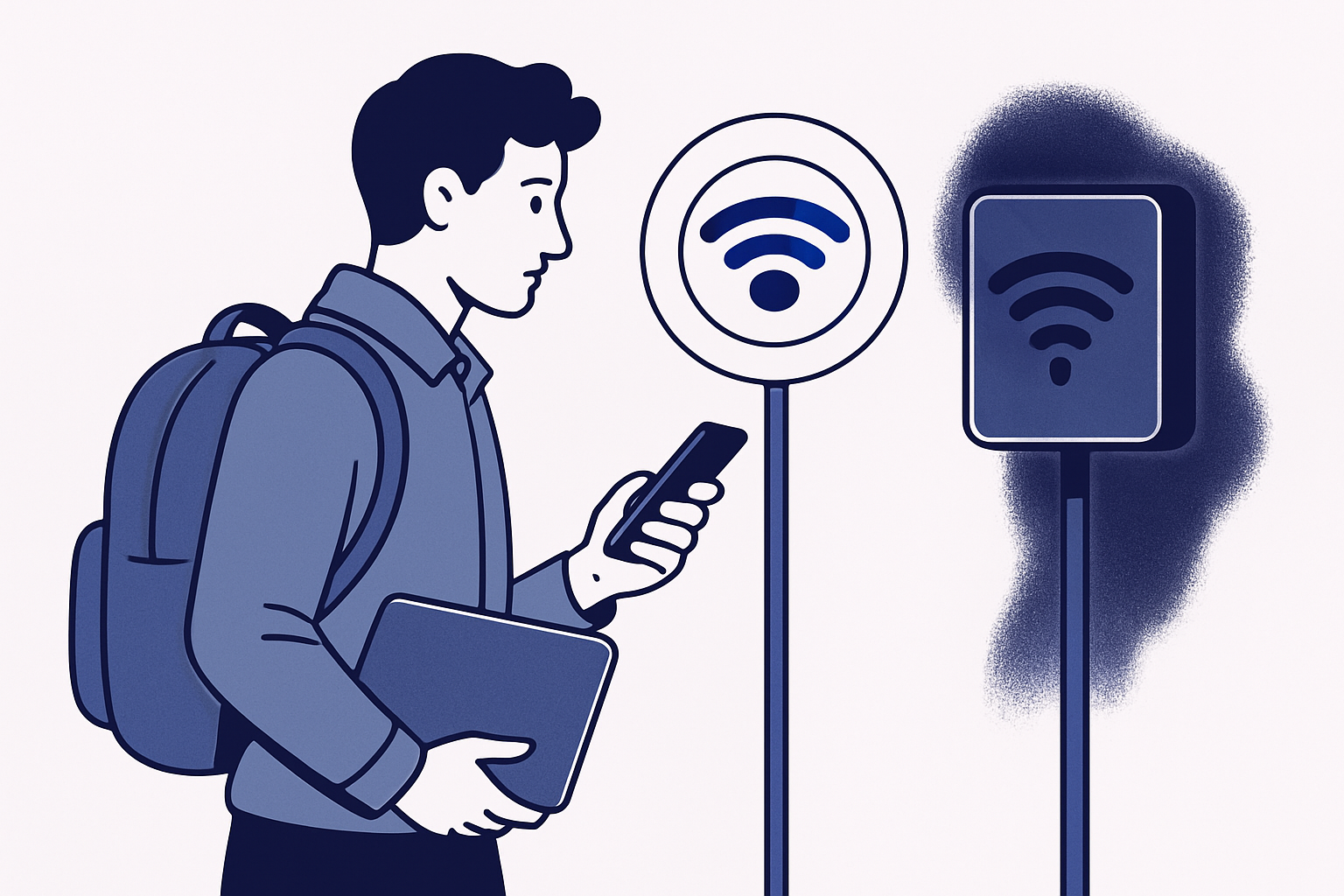
A VPN does not scan a website for fraud, remove malware, or reverse a bad click. A VPN can encrypt traffic to a phishing page, but the criminal behind that page can still receive anything you type into it.
Keep these limits in view:
- Phishing and fake login pages: HTTPS and a VPN can protect data in transit, but neither proves that a website is legitimate. The FTC specifically warns that scammers can encrypt fake websites.
- Malware and unsafe downloads: A VPN is not antivirus software. Do not download files, apps, browser extensions, certificates, or configuration profiles from a hotspot prompt unless they come from a verified source.
- A fake hotspot: A network named Hotel Guest Wi-Fi may not belong to the hotel. The CISA public Wi-Fi tip card recommends confirming the network name and sign-in process with staff.
- Account identification: Logging in to email, work, banking, or social accounts identifies the session to those services. A VPN is privacy protection, not anonymity.
- A compromised or outdated device: Keep the operating system, browser, and security software current. The FTC recommends automatic updates and multifactor authentication wherever it is available.
The crucial distinction is this: a VPN protects data moving across the network, while phishing and malware attacks try to exploit the person or device at either end.
How do you use public Wi-Fi safely at an airport, hotel or café?
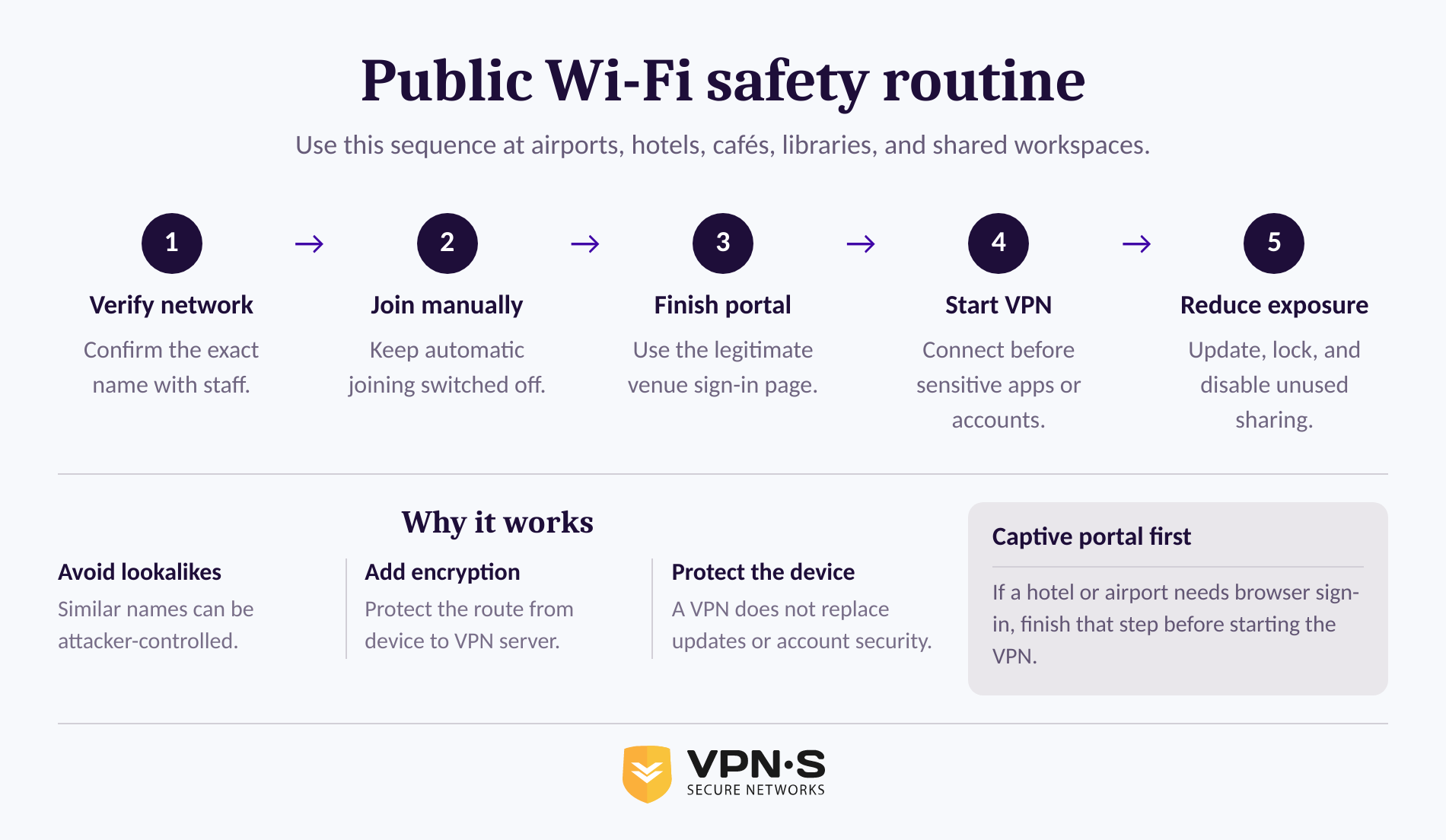
Use a short routine every time: verify the network, join it, complete any legitimate sign-in page, then turn on the VPN before using sensitive services. The routine takes little time and addresses more risks than a VPN alone.
- Ask for the exact network name. Confirm the SSID and any access code with hotel, airline-lounge, café, or venue staff. Do not choose a network because its name looks familiar.
- Turn off automatic joining. Remove old public networks if your device keeps reconnecting to them. Automatic connections create opportunities to join an imitation network without noticing.
- Use the captive portal carefully. Hotels and airports often require a browser sign-in page before the internet works. Complete that page on the verified network, close the browser tab, and then start the VPN.
- Connect the VPN before sensitive tasks. Start the VPN before opening work systems, email, shopping accounts, or any page that handles private information. A full-device VPN is preferable to a browser-only connection when the goal is to cover traffic from apps as well as the browser.
- Reduce device exposure. Turn off file sharing and nearby sharing features when they are not needed, keep the firewall enabled, use a screen lock, and sign out when finished.
VPN Secure lists apps for Windows, macOS, iOS, Android, and Linux, along with OpenVPN and WireGuard options. Download VPN apps for supported devices before the trip rather than trying to install security software through an unfamiliar hotspot.
The safest public Wi-Fi routine is verify first, connect second, and handle sensitive work only after the VPN is active.
Can I use VPN on a public WiFi?
Yes. Connect to the verified public Wi-Fi network first, complete the venue's browser sign-in page if one appears, and then connect the VPN. If the VPN connects before the captive portal is complete, the hotel or airport may block internet access until you disconnect briefly and finish the portal.
Some public networks block VPN traffic or have unstable connections. First confirm that ordinary browsing works, then try a different VPN protocol or server location if the app offers that choice. Do not accept an unexpected certificate, device-management profile, or app installation just to get online. NIST warns that malicious certificates and profiles can give attackers control over device communications.
A public Wi-Fi login page is normal; a request to install an unknown certificate or management profile is a reason to stop.
Which VPN is best for public WiFi?
The best VPN for public Wi-Fi is one that provides a full-device encrypted connection, has apps for the devices you actually carry, clearly explains its privacy practices, and is simple enough to use every time. A public Wi-Fi VPN that stays disconnected when you need it offers no protection.
Look for these practical requirements:
- Apps for your laptop and phone, not only a browser extension.
- Modern, supported VPN protocols and clear setup documentation.
- A privacy policy that says what connection and activity data the provider says it does or does not retain.
- A reliable way to reconnect after sleep, a weak signal, or a hotel captive portal.
- Support that can help when a network blocks a connection.
VPN Secure states that one subscription can cover up to 10 devices and publishes its position on connection timestamps, IP addresses, bandwidth use, and DNS requests in its no-logging policy. Read a provider's policy before relying on it for travel or remote work.
Choose a VPN you can keep on across your real devices, and review its privacy claims instead of relying on a label alone.
What not to do on public WiFi?
Do not join a lookalike network, ignore browser warnings, or enter credentials into a site whose domain you have not checked. Do not install certificates, configuration profiles, browser extensions, or apps offered by a Wi-Fi sign-in page unless the venue has verified the request through an official channel.
Avoid leaving file sharing, remote access, Bluetooth sharing, or automatic Wi-Fi joining enabled when you do not need them. Use multifactor authentication for important accounts, and do not assume that a visible lock icon means the business behind a page is legitimate. The FTC explains that scammers can run encrypted websites too.
Public Wi-Fi is safer when you treat unfamiliar prompts, unexpected downloads, and similar network names as warning signs rather than minor inconveniences.
Public Wi-Fi VPN FAQ
Can I use VPN on a public WiFi?
Yes. A VPN can run on public Wi-Fi after your device has joined the network and completed any hotel or airport sign-in page. Connect the VPN before using sensitive apps or accounts. A VPN improves connection privacy, but it does not make phishing pages, unsafe downloads, or fake hotspots safe.
Which VPN is best for public WiFi?
The best VPN for public Wi-Fi is one with full-device apps for the devices you use, current protocols, a clear privacy policy, and dependable support. Avoid judging only by marketing claims. Read what the provider says about activity and connection logging, then test the app before traveling.
Can the FBI see through VPNs?
A VPN does not make a person invisible. It encrypts traffic between a device and the VPN server, which can limit local Wi-Fi observation. Websites can still identify signed-in users, and a VPN provider may have information governed by its own systems and policies. Legal access questions depend on the jurisdiction and facts of a case.
What not to do on public WiFi?
Do not join an unverified network, reuse old public-network connections automatically, ignore certificate warnings, or install unknown profiles from a Wi-Fi prompt. Do not assume HTTPS proves a website is honest. Keep devices updated, use multifactor authentication, and start the VPN before accessing important accounts.
What is the practical rule for public Wi-Fi?
Treat public Wi-Fi as a network you do not control. Verify the network name, complete the sign-in page, connect the VPN, and stay alert for phishing or unexpected installation prompts.
For a full-device connection on travel and shared networks, review VPN Secure plans and install the app on the devices you use before leaving home.