



In short
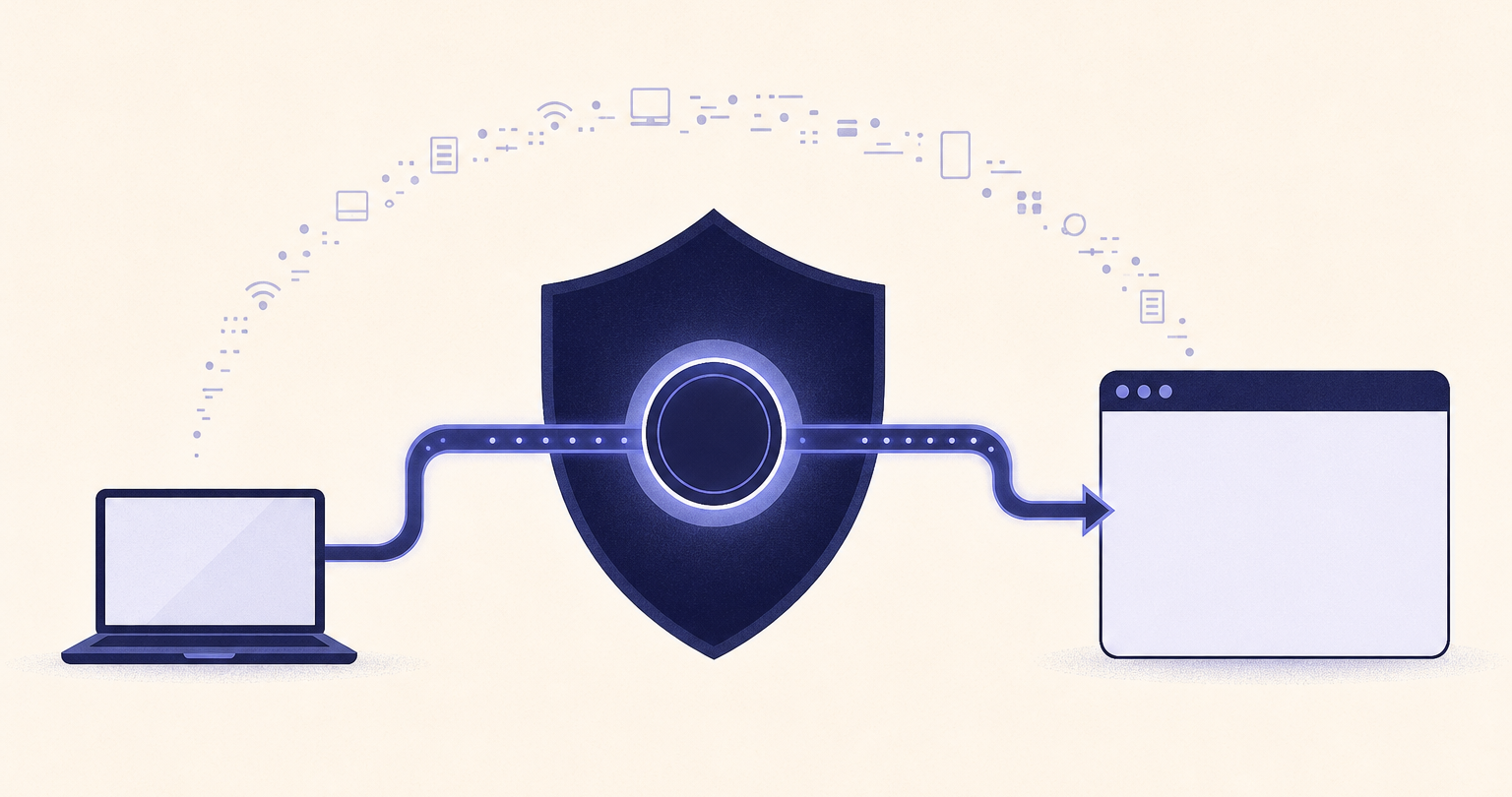
Hiding an IP address means replacing the public IP address that websites and online services see with an address from a VPN, proxy, or Tor exit point. It improves privacy from websites and can reduce location exposure, but it does not erase account logins, browser identifiers, cookies, or records held by the network and service providers involved.
Key takeaways
- A full-device VPN is usually the most practical way to hide a normal public IP address across browsers and apps.
- A browser proxy can mask an IP address for configured browser traffic, but it does not automatically protect other apps on the device.
- Tor can provide stronger separation from a normal IP address, but it is usually slower and does not make logged-in activity anonymous.
- Hiding an IP address does not stop a website from recognizing an account, cookie, browser fingerprint, or information entered into a form.
- Check the visible IP address after connecting and before signing in if IP privacy matters for a specific task.
Table of contents
- What does hiding an IP address actually change?
- What is the most practical way to hide an IP address?
- When should you use a proxy or Tor instead?
- What does hiding an IP address not hide?
- How do you check that your normal IP address is hidden?
- What else do people ask about hiding an IP address?
An IP address is a routing address assigned to an internet connection. When a website receives a request, it needs an address to send the response back to. Hiding an IP address does not remove that requirement. It changes which public address receives the website's response.
What does hiding an IP address actually change?
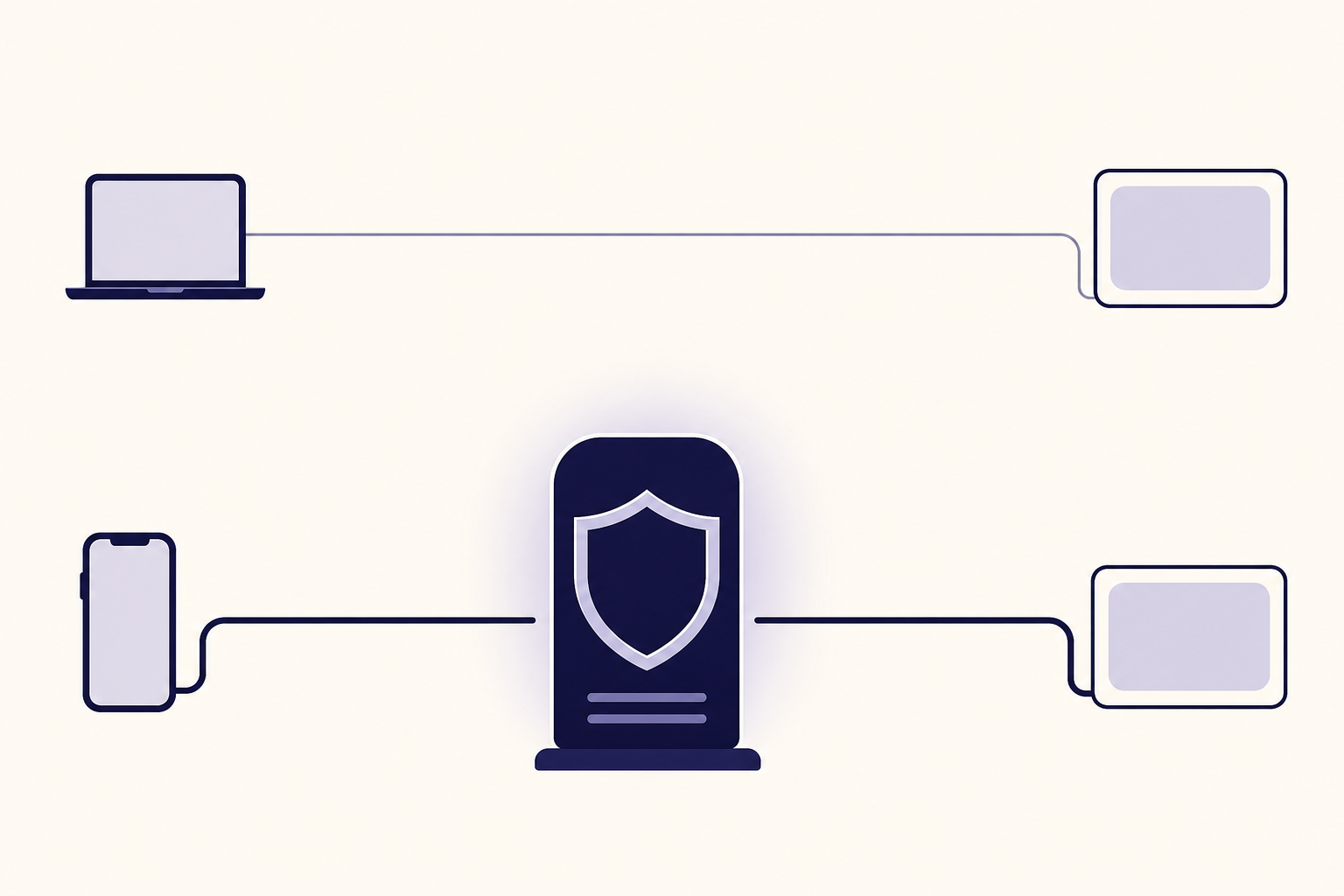
When an IP-masking tool is active, a website sees the tool's exit IP address instead of the public IP address normally assigned by an internet provider or mobile carrier. That can make the website associate the session with the exit server's approximate location rather than the user's ordinary connection.
A full-device VPN usually creates an encrypted connection between the device and a VPN server. Websites then receive requests from the server's public IP address. This is useful when the goal is to keep a normal home, office, hotel, or mobile-network IP address out of routine website logs.
Changing an IP address and hiding an IP address overlap, but they are not identical. A network change may assign a different address without adding privacy protections. A VPN masks the visible IP while it is connected. For a wider comparison of methods, see how to change your ip address on any device.
A normal public IP address is also not a precise street address. It can often suggest a country, region, carrier, or internet provider, but the accuracy varies by network and IP-location database.
Hiding an IP address changes the address a destination sees, not the fact that an internet connection is being used.
What is the most practical way to hide an IP address?
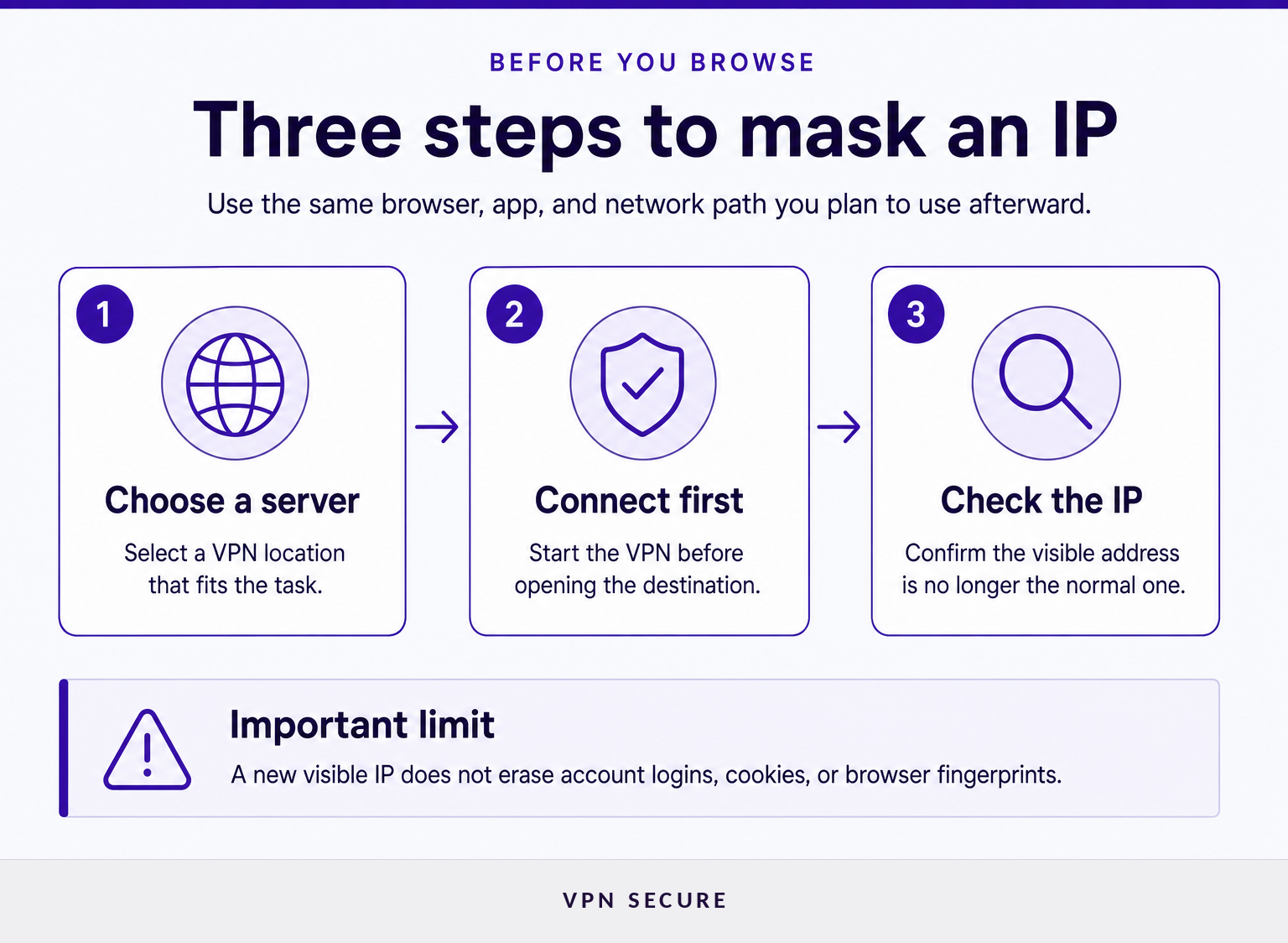
For most people, a reputable full-device VPN is the simplest option because it can route supported device traffic through a different public IP address. Connect before opening the browser or app you want to use, then verify the visible address before signing in.
A full-device VPN is generally the right default for everyday browsing, public Wi-Fi, apps, and communications because its coverage is broader than a browser-only proxy. Connection speed can vary by distance to the selected server, local network conditions, and the service's capacity, so choose a nearby server when location is not part of the reason for masking the IP.
A dedicated IP has a different purpose. It gives a subscriber a consistent exit address instead of a changing shared address, which can help with allowlists or repeated account checks. It still masks the normal connection IP from websites, but it is less suited to blending in with a large group of users. Readers weighing that tradeoff can consult our guide to vpns with dedicated ip.
A paid VPN subscription is usually the clearer choice when IP masking is needed regularly across several devices. Review the provider's policies, device support, protocols, and server locations before relying on it for sensitive work. View VPN Secure subscription options when a full-device VPN is the right fit.
For routine IP masking across a device, a full-device VPN is usually more practical than a browser-only tool.
When should you use a proxy or Tor instead?
A proxy is useful when only one browser or proxy-aware app needs to use a different visible IP address. Tor is useful when stronger separation from a normal IP address is more important than speed and convenience.
A browser proxy forwards only the traffic configured to use it. Other device traffic, such as a mail app, game, or background service, may continue using the normal connection. Browser proxy access can therefore suit a narrow browsing task, but it is not a substitute for full-device protection when the goal is broader coverage.
Tor Browser routes traffic through several relays before it reaches a destination. The Tor Project's overview of Tor explains that this design helps separate a user's connection from the site being visited. The tradeoff is that pages can load more slowly, some services may challenge or block Tor traffic, and signing in to a personal account can still identify the user to that service.
Switching from home Wi-Fi to mobile data or public Wi-Fi can also change the public IP address, but it transfers trust to a different network. It does not provide the same encrypted tunnel between the device and an exit server.
Use a proxy for limited browser routing and Tor when privacy needs outweigh speed, but do not mistake either option for universal anonymity.
What does hiding an IP address not hide?
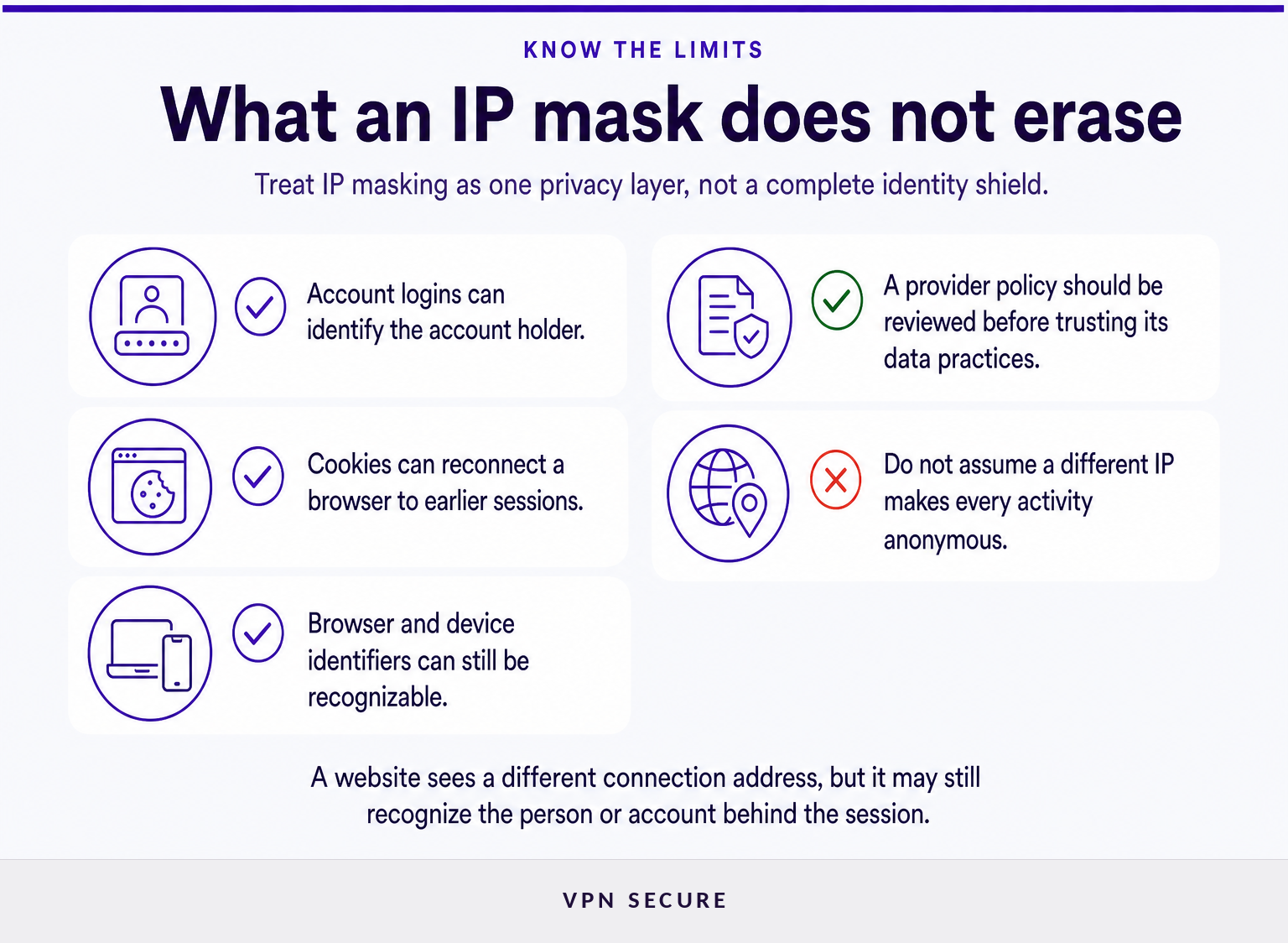
Hiding an IP address does not make a person anonymous to every website, app, network, or service provider. A different visible IP is one privacy layer, not a replacement for careful account, browser, and device choices.
A website can still recognize activity through an account login, a saved cookie, a browser fingerprint, a device identifier, or details submitted in a form. If a person signs in to a familiar account, the account operator knows which account is being used even if the connection arrives from a new IP address.
The local network can still observe that the device connected to a VPN or Tor network, although encrypted traffic limits what the local network can read about the content. The VPN provider also necessarily processes connection traffic to deliver the service. A provider's policy matters here: read the stated no-logging policy and the service terms rather than assuming that every provider handles connection data in the same way.
IP masking also does not prevent phishing, malicious downloads, weak passwords, or unsafe sharing of personal information. Those are separate security problems that need separate controls.
A hidden IP address can reduce location and network exposure, but logged-in activity and browser-level identifiers can still connect sessions to a person.
How do you check that your normal IP address is hidden?
Check from the browser or device that will actually be used, after the VPN, proxy, or Tor connection is active. The result should show an IP address and approximate location that match the chosen exit location rather than the normal internet connection.
Run the check before opening sensitive sites or apps. If the result still shows the normal provider, city, or country when it should not, disconnect and investigate the connection settings before continuing.
Also check for connection drops. If a VPN disconnects unexpectedly, traffic may return to the normal network unless the app is configured to block traffic until the VPN reconnects. On a phone, confirm that the VPN status remains active after switching between Wi-Fi and mobile data.
The IETF's RFC 1918 explains that addresses used inside a private local network are not globally routable. Do not confuse a private address shown in a device's network settings with the public IP address that websites can observe.
An IP check is valuable only if it is performed from the same browser, app, and network path that will be used afterward.
What else do people ask about hiding an IP address?
The questions below address common mobile, browser, and free-service concerns. The key distinction is consistent: a tool can replace the public IP a site sees without removing every other way a person or account can be recognized.
Can your IP address be hidden?
Yes. A VPN, proxy, or Tor connection can replace the public IP address a website sees with an exit IP address from that service. The normal IP address is not visible to the destination website in that session, but the internet provider, local network, and privacy service may still have connection-level visibility.
How do I make my IP address not visible?
Connect through a VPN, proxy, or Tor before visiting the site or app. A full-device VPN is generally the most practical way to make a normal public IP address unavailable to most websites and apps, while a browser proxy affects only configured browser traffic and Tor prioritizes privacy over speed.
How do I hide my IP address on my iPhone?
Install a trusted VPN app, sign in, choose a server, and connect before opening the browser or app that needs IP masking. Verify the new visible IP address after connecting. Keep the VPN active when moving between Wi-Fi and cellular data because the network path can change.
How do I hide my IP address on my phone for free?
A free tool can change the visible IP address, but free access alone does not establish how traffic or connection data is handled. Read the provider's privacy policy, device permissions, data limits, and support terms. Avoid relying on an unfamiliar browser extension or app for sensitive activity without checking those details.
What should you do next?
If the goal is routine privacy from websites, start with a full-device VPN and verify the visible IP before using an account or app. Keep the larger point in view: IP masking is useful because it limits one form of exposure, not because it makes every online action untraceable.
Choose the privacy tool that matches the traffic you need to protect, then confirm that it is actually replacing the public IP your destination can see.