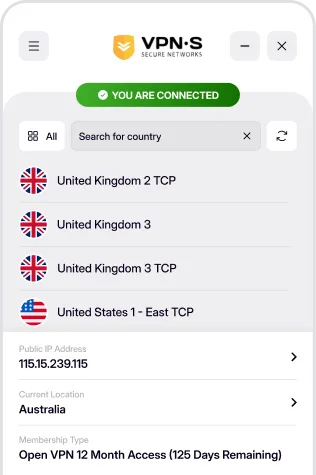
Take VPN Secure with you inside Firefox. Our lightweight extension routes your browser traffic through our rebuilt HTTP proxy infrastructure — hide your IP address, switch locations in one click and keep your browsing private, no desktop app required.
Add to Firefox

Download For
Install the VPNSecure Proxy extension straight from Mozilla Add-ons. Sign in with your VPN Secure account, pick a proxy location and your Firefox traffic is instantly rerouted — everything else on your machine stays untouched.
Once you have downloaded and installed the appropriate app from above, enabling your VPN is as simple as open, click and go!
Login, then choose a server to connect to & connect! You are now enjoying the internet as it should be. Open, secure and anonymously.

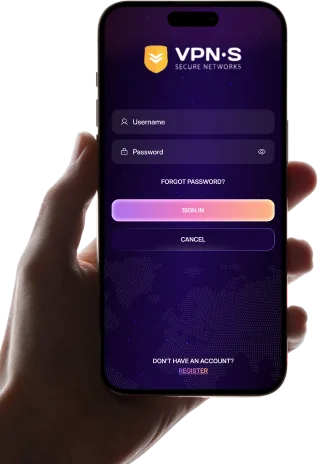
Add the extension to Firefox, then enter your VPN Secure credentials.

Pick one of our HTTP proxy servers from the list.
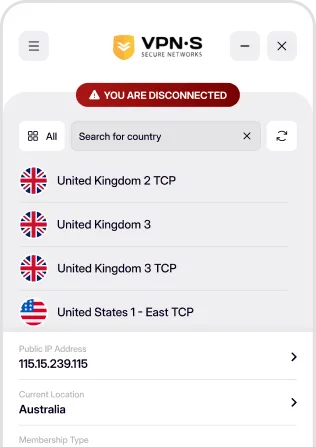

Your Firefox traffic now exits from the location you chose — private, secure and anonymous.