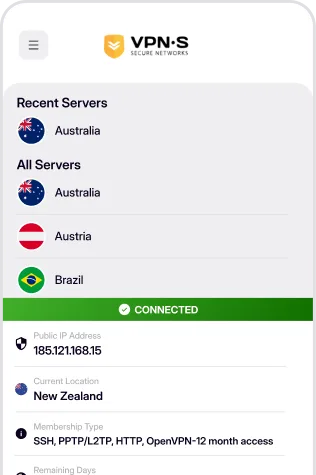
Protect your online privacy with a secure VPN built for iOS. Browse safely on public Wi-Fi, access global content, and enjoy lightning-fast connections without compromising security.
GET IT ON APP STORE

Download For
Hand crafted IOS VPN application that gives you a similar user experience to the friendly desktop application, auto connect on Boot, select your favourite server & more.
Download For
If you do not wish to use our IOS application, we have Options! You can setup your Apple device using the Open Source version of OpenVPN. While cumbersome and not as simple to setup this option will suit those that like keys, configs and cryptic cross words, check out the tutorial.
Once you have downloaded and installed the appropriate app from above, enabling your VPN is as simple as open, click and go!
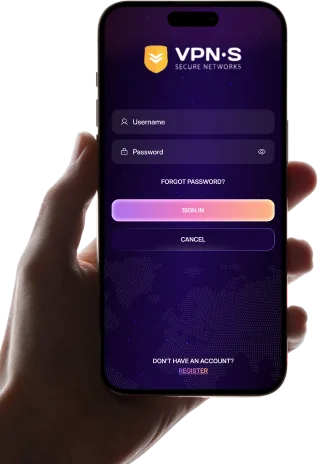
Login, then choose a server to connect to & connect! You are now enjoying the internet as it should be. Open, secure and anonymously.

Enter your credentials to access the app.

Select a location from the list to connect to.
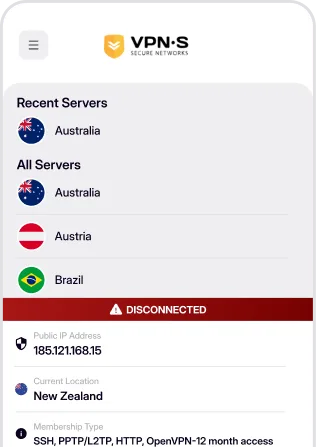

Enjoy a secure, private and anonymous internet experience.