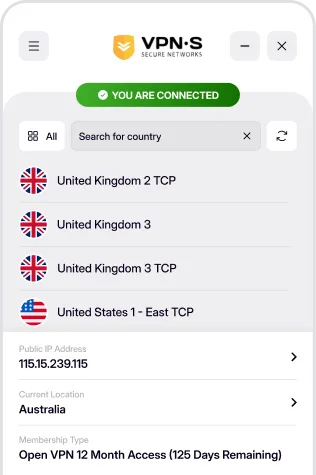
Protect your online privacy with a secure VPN built for macOS. Browse safely on public Wi-Fi, access global content, and enjoy lightning-fast connections without compromising security.
DOWNLOAD FOR MACOS 12 (MONTEREY) AND LATER
Download For
We have specially crafted one of the best looking VPN applications for your Mac, with built in protection to keep you anonymous! This is the VPN application you need to download. Requires macOS 12 (Monterey) or later.
SHA 256:
b90fe0aee596f6797c3290cbbbc55b726b3ce043dc80fc226348fe8d6e91cde6

Download For
Still on Catalina or Big Sur? The VPNSecure legacy app 2.2.0 is built for macOS 10.15 (Catalina) and macOS 11 (Big Sur), with the same servers and your same login. If you are using an even older version, contact our support for assistance with setting up Tunnelblick.
SHA 256:
0f863ed40e9190bb45999094126a9adb305b13aa4e60208adc6b3dc00ece9a11
Once you have downloaded and installed the appropriate app from above, enabling your VPN is as simple as open, click and go!
Login, then choose a server to connect to & connect! You are now enjoying the internet as it should be. Open, secure and anonymously.

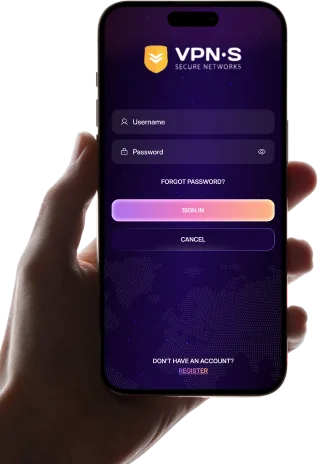
Enter your credentials to access the app.

Select a location from the list to connect to.
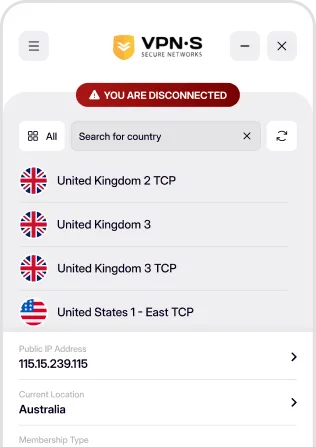

Enjoy a secure, private and anonymous internet experience.