




In short
A VPN for TikTok encrypts the connection between your device and a VPN server and changes the IP address exposed to TikTok. It can help protect traffic on untrusted networks and may present a different network location, but it cannot guarantee access, change every location signal TikTok uses, alter app-store availability, or override local law or platform rules.
Key takeaways
- TikTok says it may estimate location from device and network information, including a SIM card region, IP address, device system settings, and, where available, Location Services.
- A VPN can help protect your connection on public Wi-Fi, but it does not make a TikTok account anonymous or erase account, device, and activity signals.
- Do not change an Apple Account or Google Play country only to install TikTok: both stores impose eligibility and payment requirements for legitimate region changes.
- A VPN may help with a network-level restriction, but it cannot reliably overcome app-store limits, platform enforcement, or a legal prohibition.
- Choose a server based on a lawful use case and connection quality, not on claims that one location will automatically improve views, reach, coins, or account standing.
Contents
- Can a VPN help with TikTok privacy and access?
- How do you set up a VPN for TikTok?
- Which server is best for TikTok?
- Why has TikTok not changed regions after I connected?
- Can a VPN bypass a TikTok ban?
- Are free VPNs for TikTok worth using?
- What else do people ask about VPNs for TikTok?
- What is the sensible next step?
A TikTok VPN is most useful when the problem is the network between a device and TikTok, such as privacy on public Wi-Fi or a local network that blocks the service. Start by identifying the problem before changing settings. A VPN is one tool, not a universal answer to every TikTok access or regional-content problem.
Can a VPN help with TikTok privacy and access?
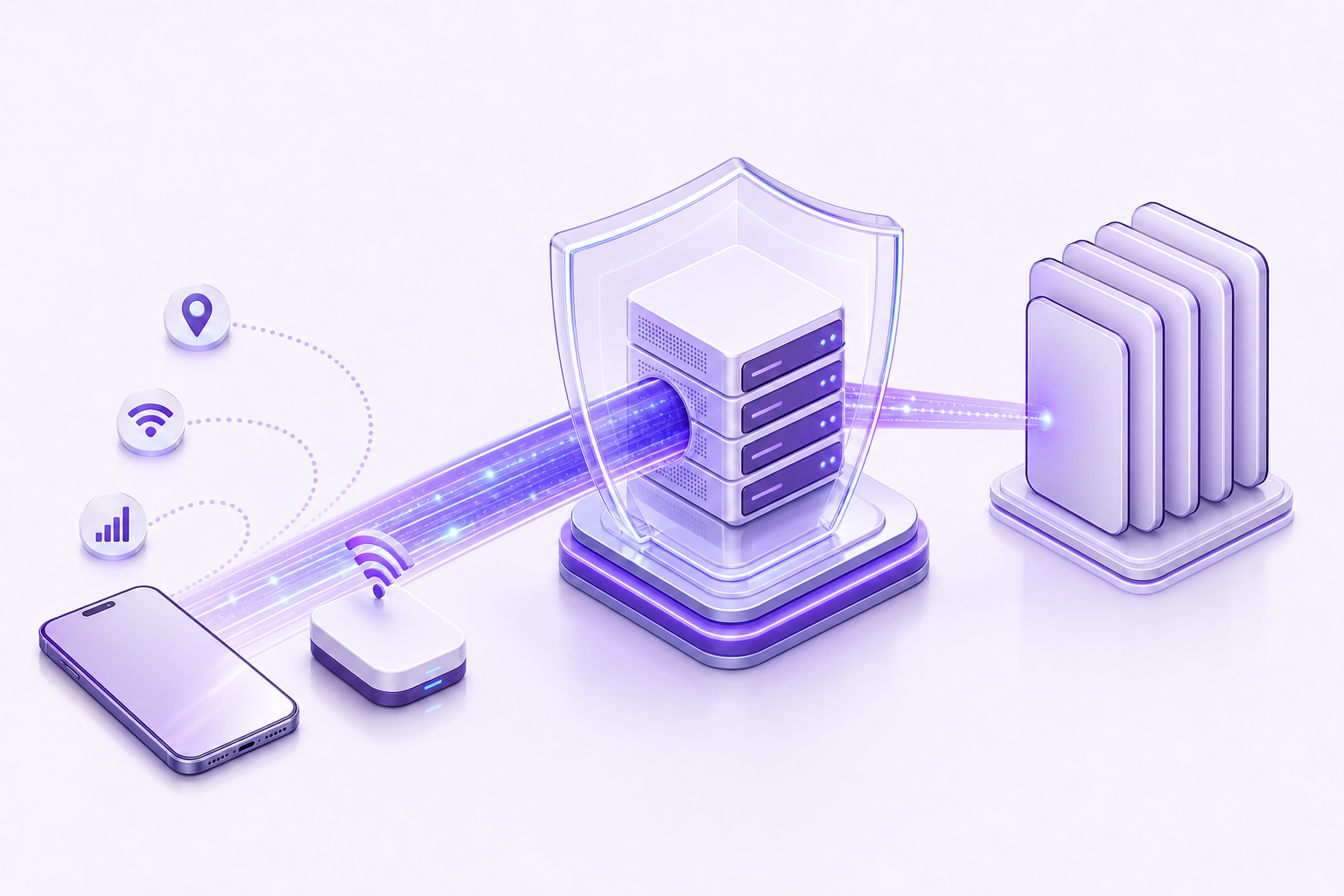
A VPN can encrypt traffic between a device and the VPN server, which is useful when connecting through a network you do not control. It can also replace the public IP address TikTok sees with the VPN server's IP address, but that is only one of several location and account signals.
TikTok's location documentation says the service can estimate approximate location from network and device information, including the SIM card region, IP address, and system settings. Where TikTok Location Services are available and enabled, the app can also use device location information. That means a new IP address may affect what a network sees without changing every signal that could affect TikTok features or recommendations. TikTok's location-services documentation explains those inputs.
TikTok also says recommendations use more than location. Interactions, content information, language preferences, and device settings can all influence what appears in a feed. A VPN is therefore not a reliable way to force a particular For You feed, grow an account, access local creator tools, or make an account appear to be permanently based somewhere else. TikTok's recommendation explanation is the better starting point for understanding why a feed does not instantly change.
For privacy, use a VPN as part of a wider routine: keep TikTok and the device updated, use a unique account password, enable two-step verification where available, and be careful with links and direct messages. The U.S. Cybersecurity and Infrastructure Security Agency advises using secure access when connecting through public Wi-Fi, but a VPN does not protect an account from phishing, unsafe downloads, or a compromised device. CISA's public Wi-Fi guidance makes that distinction clear.
If the issue is a blocked network rather than TikTok itself, the broader troubleshooting process in how to unblock websites safely can help identify whether the restriction is local, account-related, app-related, or legal.
A VPN can protect the network path and change an IP address, but it cannot make TikTok ignore the other information it uses.
How do you set up a VPN for TikTok?
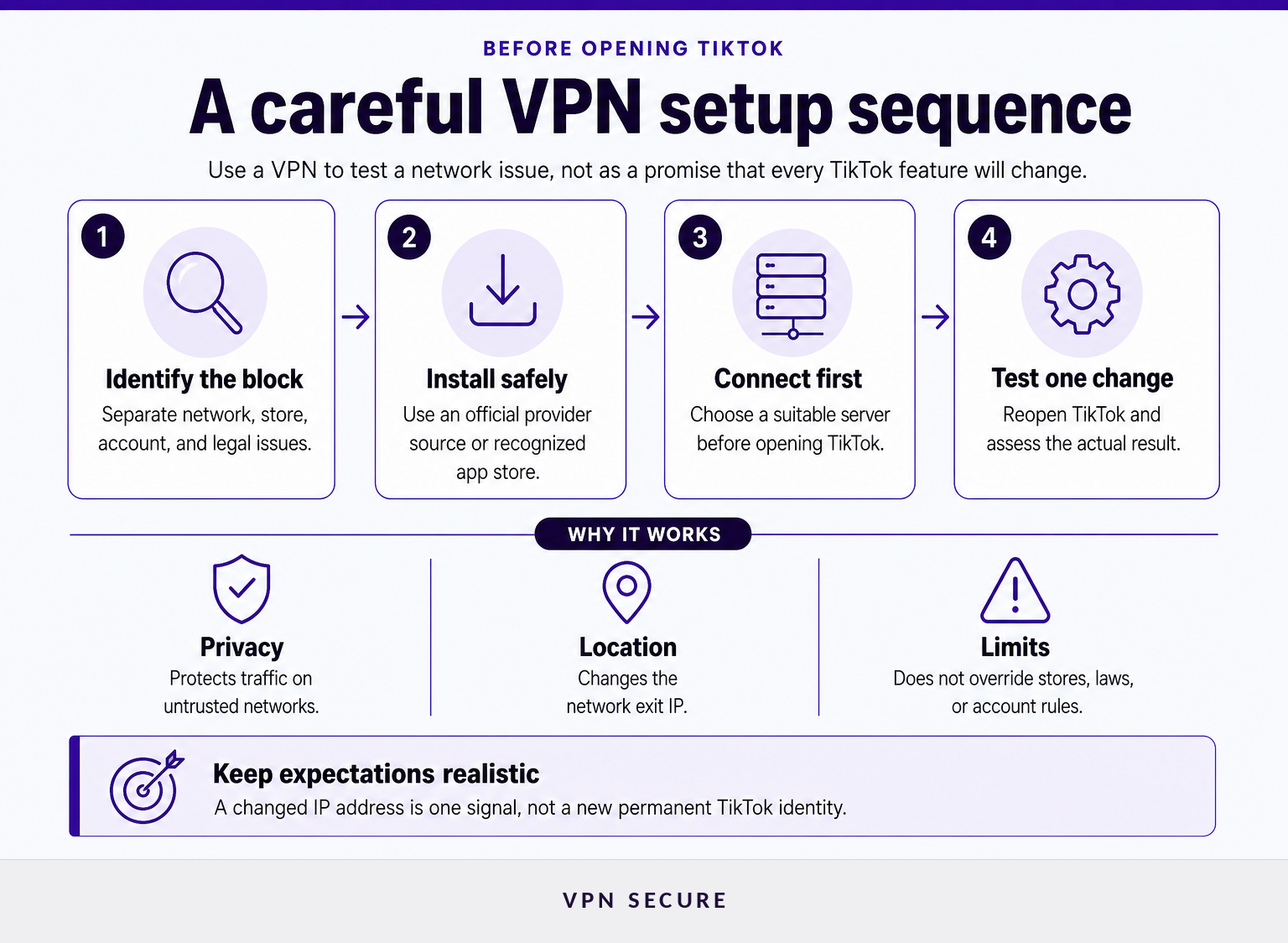
Set up a VPN before opening TikTok, then test the app without assuming that a new server will change every TikTok feature. The safe workflow is to confirm what is blocked, connect to an appropriate server, reopen TikTok, and evaluate the result without changing unrelated account settings.
- Identify the actual problem. Is TikTok unavailable on one Wi-Fi network, unavailable in an app store, showing a different feed, or restricting a specific account function? These are different problems and need different responses.
- Install the VPN from the provider's official site or a recognized app store. Avoid copied download links and unknown configuration files. A VPN protects traffic only when it is running and connected.
- Choose a suitable server. For privacy on public Wi-Fi, a nearby server is usually a sensible first test because it may reduce unnecessary distance in the connection. For travel, choose a location that matches a legitimate need and where TikTok is available, while respecting local rules.
- Connect, then open TikTok. If TikTok was already open, close it fully and reopen it after the VPN connects. This is a practical test step, not a promise that the app will change regions.
- Check the outcome without overcorrecting. If TikTok still does not work, try another server in the same lawful region or test another network. Do not immediately change an app-store country, create misleading account details, or use a VPN to evade a platform enforcement decision.
A full-device VPN routes supported device traffic through the VPN connection. A browser proxy is narrower and does not ordinarily protect activity inside the TikTok mobile app. For an explanation of the underlying routing and encryption, see how a VPN changes network routing.
The best first move is to diagnose the restriction, then test one relevant change at a time.
Which server is best for TikTok?
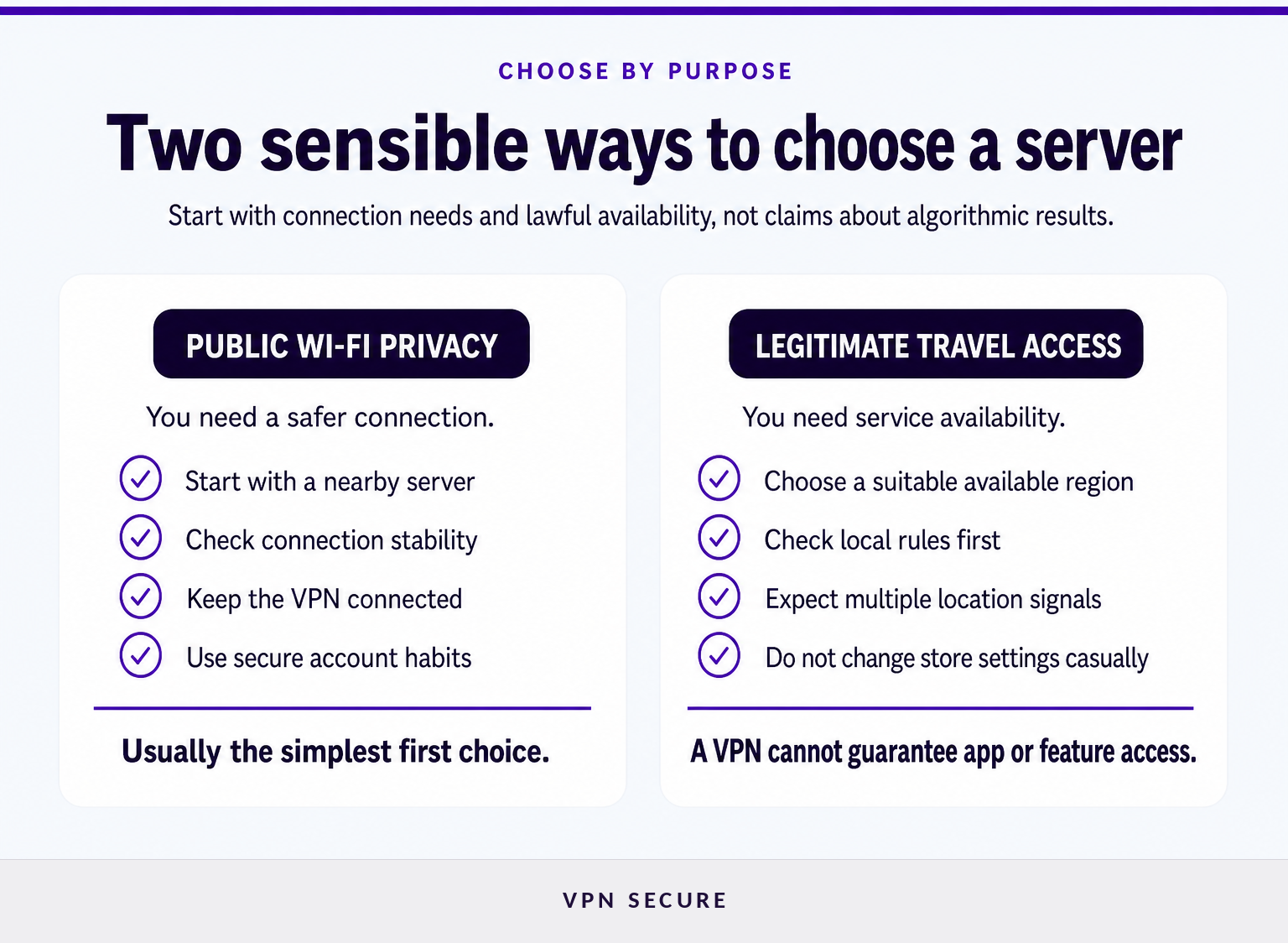
The best server for TikTok depends on the reason for using a VPN, not on a universal “TikTok server” label. For private browsing on a hotel or café network, start with a nearby server; for legitimate travel access, use a server in a place where the service is available and your use complies with applicable rules.
Use this decision rule:
| Your goal | First server choice | What to check next |
|---|---|---|
| Safer browsing on public Wi-Fi | A nearby server | Whether the connection is stable and the VPN remains connected |
| Watching TikTok while traveling where it is available | A server in a location where TikTok is available | Local law, TikTok availability, and whether the app works normally |
| A slow or unstable connection | Another nearby server or protocol option | Connection quality, not follower reach or feed promises |
| A different local feed | A location relevant to the content you want to explore | TikTok may still use account, SIM, language, interaction, and device signals |
Do not treat a specific country as a shortcut to more views, different creator monetization, cheaper virtual items, or better account standing. TikTok's own materials describe recommendations as multi-factor systems, so a single IP-based change cannot reliably control outcomes.
VPN Secure states that subscribers can choose from its available server locations and that availability can change as the network changes. Check the live server location choices before relying on a particular city or country for a trip.
Choose the closest suitable server for privacy and performance first, then test another only when your real use case requires it.
Why has TikTok not changed regions after I connected?
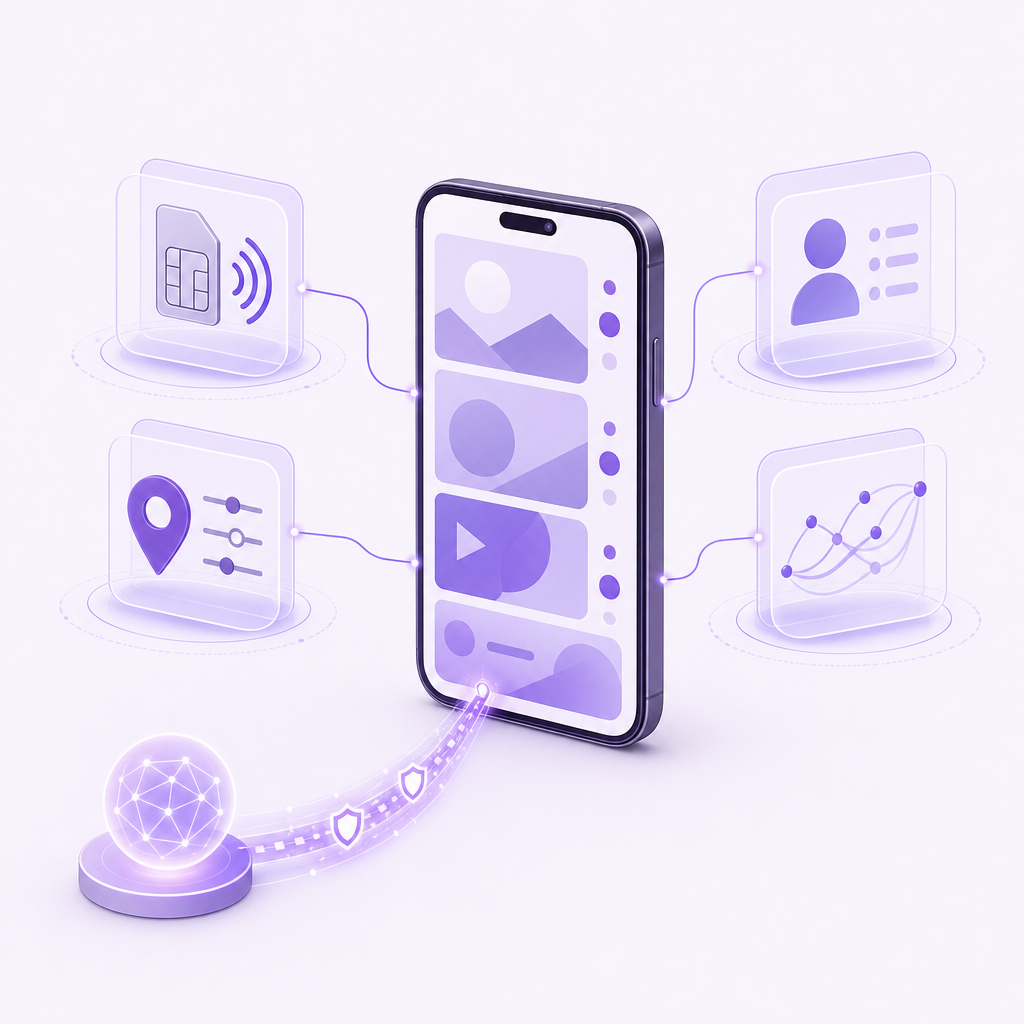
TikTok may not appear to change because a VPN changes the network exit IP, while TikTok can also consider device, SIM, account, language, interaction, and location-service information. A regional feed is also not the same thing as app availability, creator eligibility, advertising availability, or account status.
Start with the least disruptive checks:
- Confirm that the VPN is connected before TikTok opens.
- Verify that the phone has an internet connection through the VPN rather than switching between Wi-Fi and mobile data unexpectedly.
- Review TikTok's location permissions and device-level location settings if the goal is privacy, while recognizing that disabling a permission does not erase all approximate location signals.
- Check the account's language preferences, followed creators, and recent interactions. These can continue to shape recommendations.
- Wait and observe rather than repeatedly changing servers. Rapid, unrelated changes can make troubleshooting harder and do not create a reliable new account identity.
App-store access is a separate issue. Apple says a country or region change can require spending any remaining balance, canceling blocking subscriptions, leaving Family Sharing where relevant, and providing a valid payment method and billing address for the new region. Apple's country or region guidance should be followed only when a genuine move or eligibility change justifies it.
Google similarly says that a Google Play country change requires being in the new location and having a payment method from that country, and that users normally must wait at least 90 days between changes. Google Play's country-change guidance is a reason not to treat a store-region change as a quick TikTok fix.
An unchanged TikTok experience usually means the app is responding to more than the IP address a VPN changes.
Can a VPN bypass a TikTok ban?
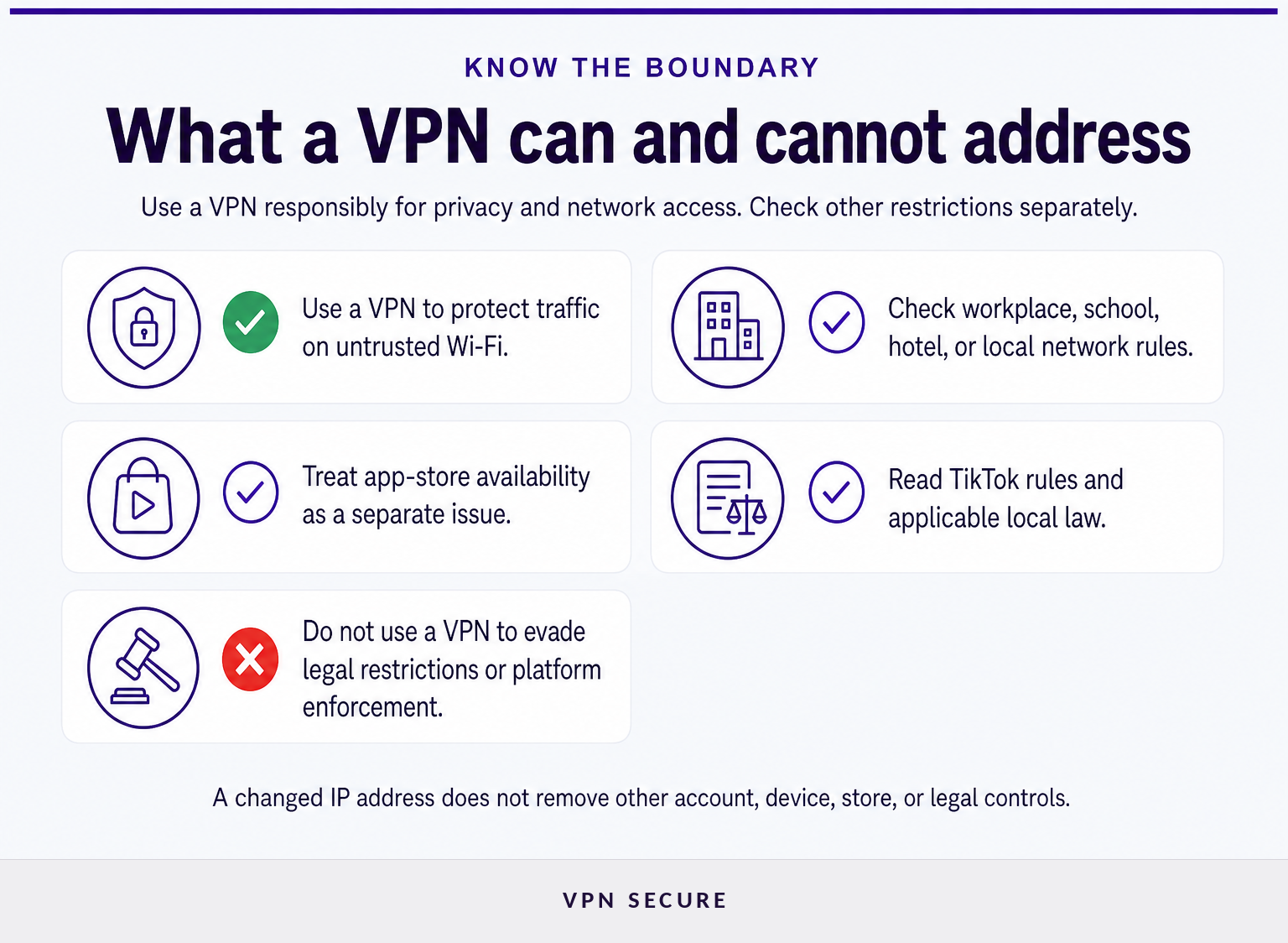
A VPN may help when TikTok is blocked only by a particular Wi-Fi network, internet provider, or temporary network filter. It cannot be relied on to bypass a government restriction, an app-store removal, a legal requirement, or TikTok's own access controls, and it should not be used to evade lawful restrictions or account enforcement.
The distinction matters because different restrictions are controlled by different parties:
- A café, school, hotel, or workplace network block is a network issue. The organization may have acceptable-use rules that still apply, even if a VPN connection works technically.
- An app-store availability issue is controlled by Apple or Google regional rules and account eligibility, not simply by the IP address of a VPN server.
- A platform limitation may be connected to account signals, age, policy enforcement, or a feature that TikTok does not offer in a region.
- A national or local restriction may carry legal consequences that vary by jurisdiction. Check reliable local legal guidance before acting.
TikTok's U.S. Terms of Service say that use of the service is subject to applicable laws and regulations and prohibit attempts to bypass measures used to prevent or restrict access. TikTok's Terms of Service should be read alongside the rules where you are physically located.
Country conditions can change quickly and should not be generalized. For context on a different restricted environment, read our guide to VPNs in India and Is WhatsApp blocked in China? What travelers need to know.
A VPN can address some network-level barriers, but it cannot turn a legal, app-store, or platform restriction into a simple technical setting.
Are free VPNs for TikTok worth using?
A free VPN can be useful for a short, low-risk test, but the deciding factor should be the provider's privacy practices, security model, data limits, and available server locations. A free plan is not automatically unsafe, yet it may be a poor fit for frequent video viewing, TikTok Live, travel, or privacy-sensitive use.
Before installing any VPN, check these points:
- Who operates it? Use a provider with clear ownership, contact details, privacy terms, and a support path.
- What does it log? Read the privacy policy rather than relying on a marketing label such as “private” or “secure.”
- What are the usage limits? Data caps and congestion can make video viewing and live streaming unreliable.
- Which locations are included? A free plan may not include the server location you need for a legitimate travel or privacy use case.
- What permissions does the app request? Decline permissions that are unrelated to running a VPN unless you understand why they are needed.
- Can you leave easily? Avoid services that make cancellation, account deletion, or support unnecessarily difficult.
For regular use, a paid service may be easier to evaluate because the subscription is the product rather than an unclear alternative revenue source. VPN Secure lists its current plans, supported platforms, and included features on its VPN subscription options page. Check the live terms and pricing before purchasing because plans and availability can change.
A free VPN is worth considering only after its privacy policy, limits, and ownership are clear enough for the risk you are taking.
What else do people ask about VPNs for TikTok?
These answers separate connection privacy from regional access, app-store availability, and legal restrictions. That separation is the most useful way to avoid treating a VPN as a guarantee.
What is the best free VPN for TikTok Live?
The best free VPN for TikTok Live is one with a transparent privacy policy, enough data for video, stable nearby servers, and clear ownership. Many free plans have data caps, congestion, or limited locations, so test connection quality before relying on one for a live broadcast. A paid plan may be more practical for regular streaming.
What is a VPN and how does it work?
A VPN is software that encrypts traffic between your device and a VPN server, then sends internet requests from that server's IP address. It can reduce exposure on untrusted networks and hide your home IP from the service you visit, but it does not erase account activity, cookies, device data, or platform rules.
Which server is best for TikTok?
The best server for TikTok is usually the closest suitable server for your legitimate goal, because it may offer a more direct connection. If you are traveling, choose a server where TikTok is available and your use complies with local rules. No server can guarantee a certain feed, account feature, reach level, or virtual-item price.
How to bypass TikTok ban?
A VPN may change the IP address used by a device, but it is not a dependable or appropriate method for bypassing a TikTok ban. App-store limits, local law, account controls, and TikTok policies may still apply. Follow applicable rules, do not evade enforcement, and use official channels when access or account status needs clarification.
What is the sensible next step?
Use a VPN for what it is designed to do: protect the connection on networks you do not control and provide a choice of network exit location where that use is lawful. If TikTok still behaves differently after connecting, check the app's own settings, your account and device signals, and app-store eligibility before assuming the VPN has failed.
If privacy on public Wi-Fi or safer travel connectivity is the goal, compare the available VPN subscription options and select a plan that supports your devices and expected use.