



In short
A US VPN routes your internet connection through a server in the United States, so websites usually see the server's US IP address rather than your normal IP. Choose a provider based on its current US locations, privacy terms, app support, and your actual need, not a promise of access to every service.
Key takeaways
- A standard US VPN connection is usually enough when a website only needs to see a US IP address.
- A particular city or state matters only when the service you use specifically requires it, so verify locations before subscribing.
- A VPN encrypts traffic between your device and the VPN server, but it does not make you anonymous or override a website's rules.
- Check a provider's privacy policy, supported devices, current locations, and support options before paying.
Table of contents
- What does a US VPN actually change?
- How do you get a US IP address?
- Do you need a US city, a dedicated IP, or simply a US connection?
- What should you check before paying for a US VPN?
- What can a US VPN not do?
- Frequently asked questions about US VPNs
- What should you do next?
What does a US VPN actually change?
A US VPN changes the public IP address that websites normally receive from your connection. It also creates an encrypted connection between your device and the VPN service, helping reduce what the local network or internet provider can inspect in transit.
A VPN routes traffic through a provider-operated server before it reaches the destination website. The Federal Trade Commission explains that this can make traffic appear to come from the VPN server, while the National Institute of Standards and Technology describes VPNs as a way to protect communications carried over public networks. FTC guidance on VPN apps and NIST's VPN definition both make an important point: a VPN changes the network path, but it does not erase every identifying signal. (ftc.gov)
For example, a site can still recognize a signed-in account, browser cookies, device settings, or information entered into a form. A US VPN is therefore useful for connection privacy and IP-based location changes, but it is not a new identity. (ftc.gov)
A US VPN changes the IP address websites see and can protect traffic in transit, but it does not make an account or device unrecognizable.
How do you get a US IP address?
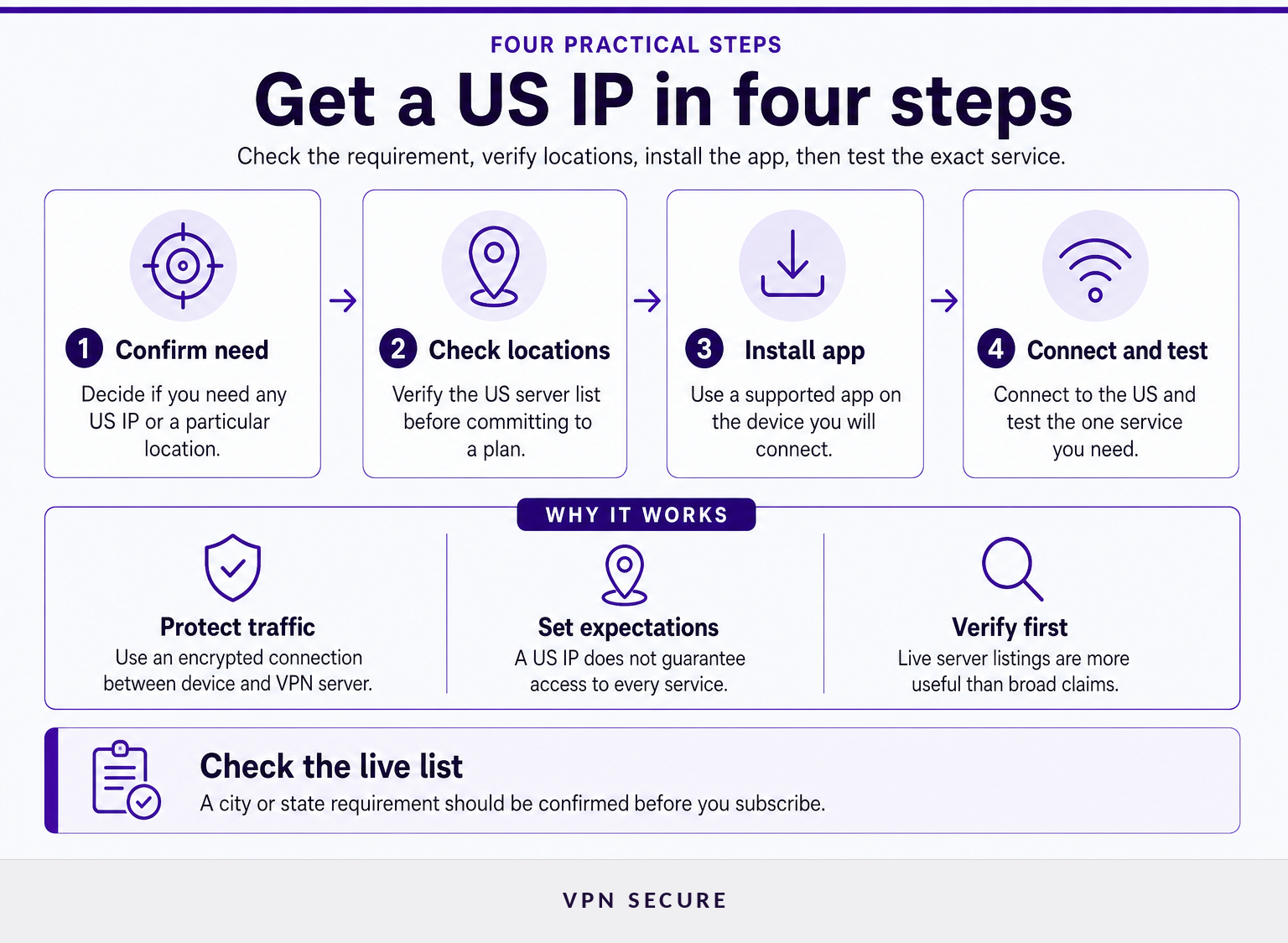
Getting a US IP address normally takes four steps: choose a VPN with an available US server, install its app, connect to a US location, and confirm the connection works for your legitimate purpose. The right server is the one that meets your need, not necessarily the one with the most ambitious location claim.
- Confirm the actual requirement. If a site is unavailable because of regional licensing, a US IP may help with its IP-location check. If the block comes from an employer, school, account restriction, payment requirement, or local law, changing your IP may not solve it. Start with the wider question of how to unblock websites safely before choosing a workaround.
- Review the current US location list. Do not assume that a provider has a server in every US state or city. VPN Secure's VPN server locations page currently lists US options including New York, Utah, Texas, Florida, and Missouri, but a location list can change as servers are added, removed, or maintained. (vpnsecure.me)
- Install the correct app for the device you will use. A full-device VPN app is normally the straightforward choice when more than one application needs the US connection. VPN Secure offers downloads for Windows, macOS, iOS, Android, Linux, and selected browsers through its VPN downloads page. (vpnsecure.me)
- Connect, then test the specific site or service. First confirm that the connection is active and the visible IP is in the United States. Then test the service while signed out where practical, because old cookies and account preferences can preserve a previous region.
A US IP setup is simple when the requirement is genuinely IP-based: verify the location, connect through the right app, and test the one service you need.
Do you need a US city, a dedicated IP, or simply a US connection?
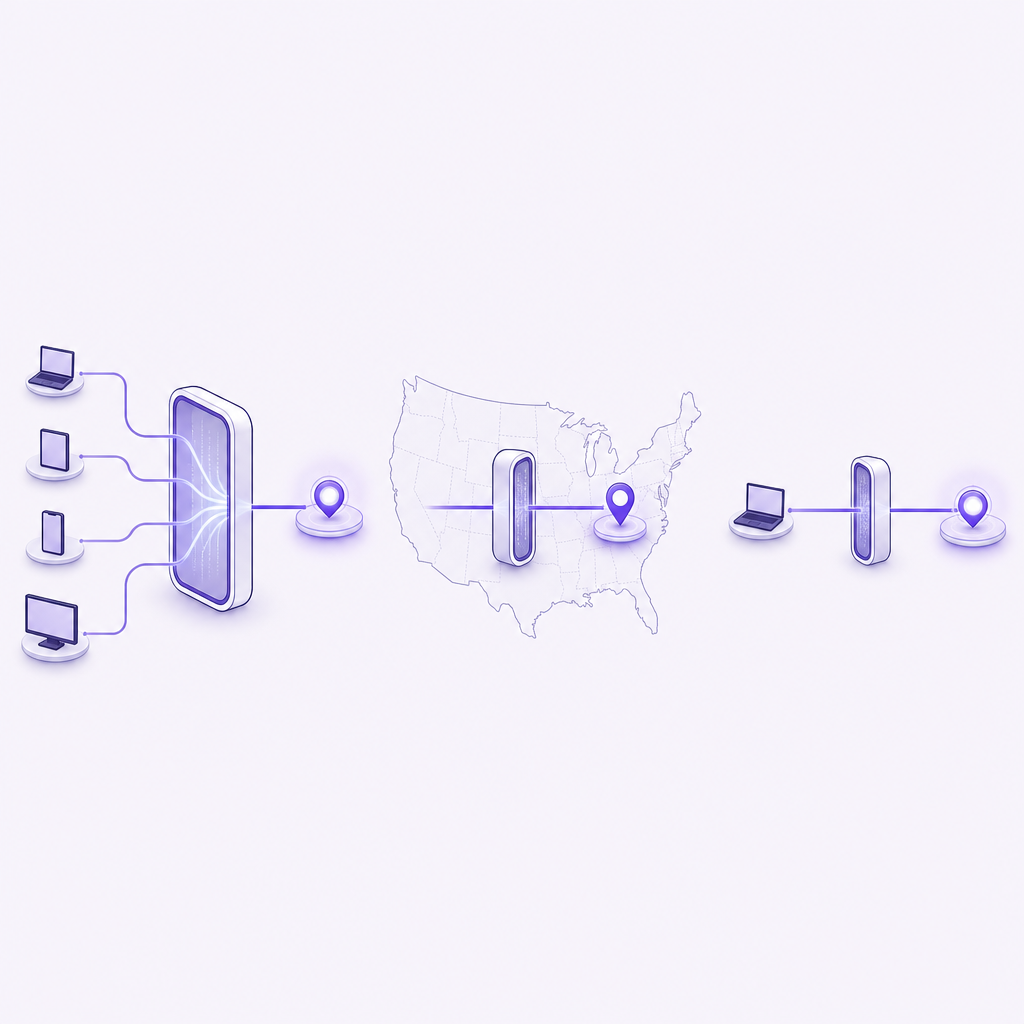
Most people only need a normal US server connection, which supplies a shared US exit IP. A particular city or a dedicated IP is a separate requirement and should be chosen only when a website, work system, or personal workflow actually depends on it.
A standard US connection is the practical default for travelers, expatriates, and people using public Wi-Fi who want a US-facing IP address. It is usually the right fit when the destination only checks that a connection appears to come from the United States.
A specific city or state matters when a service genuinely relies on regional availability. Verify that exact location in the provider's live list before buying. A provider with several US locations is not necessarily offering every state, and a listing can change without notice.
A dedicated IP is an individually assigned, stable exit address rather than a shared address used by many subscribers. It can be useful for systems that require a consistent allowlisted IP, but it does not override a service's terms, prove residency, or guarantee access. VPN Secure presents dedicated IP as a separate upgrade with availability and setup considerations. (vpnsecure.me)
Choose the least specialized US connection that solves the real problem, because city-level and dedicated-IP requirements are exceptions rather than defaults.
What should you check before paying for a US VPN?
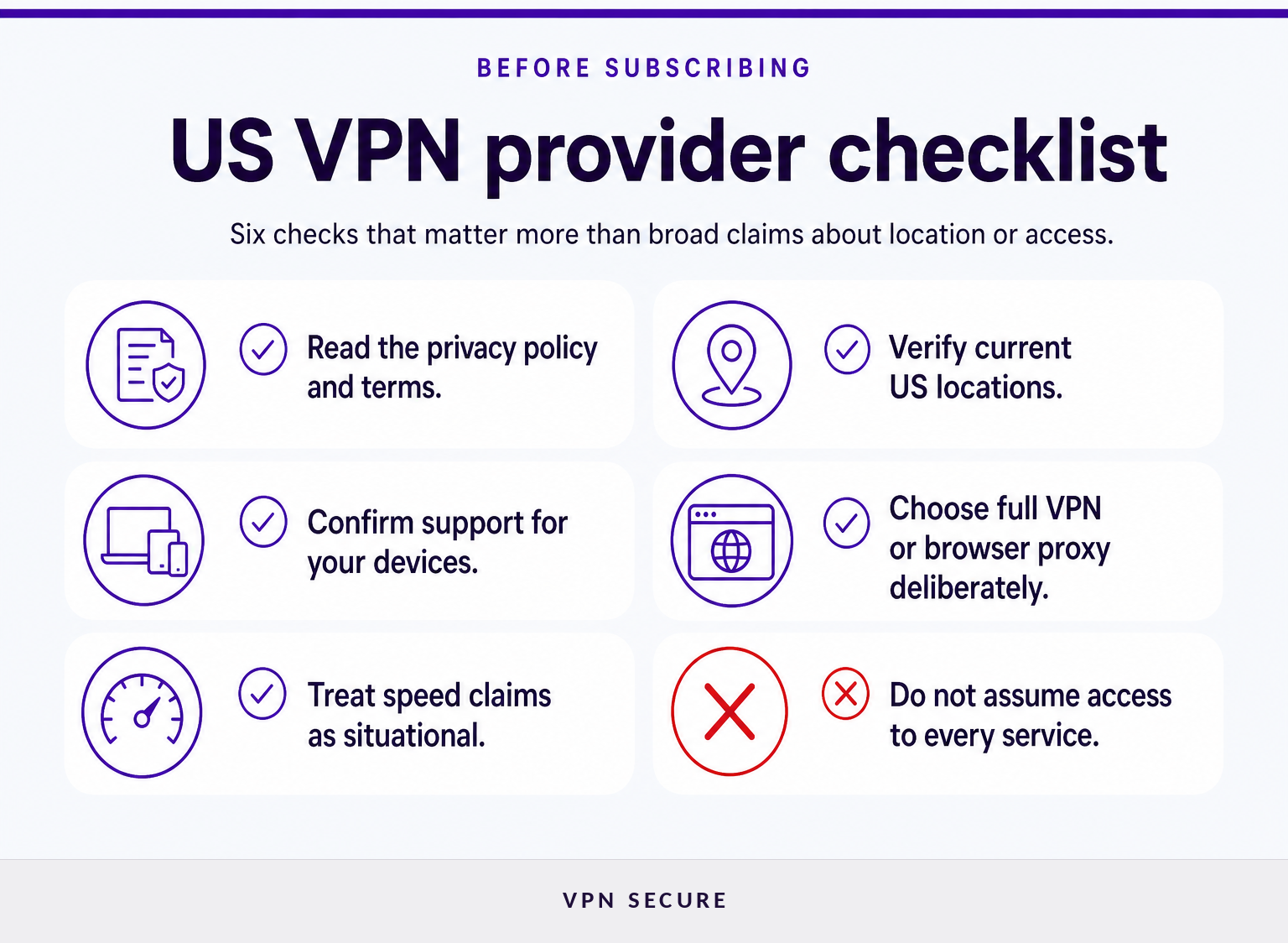
A trustworthy US VPN decision starts with evidence you can read, not with broad promises about speed, streaming, or state coverage. Check what happens to your traffic, which devices are supported, where the US servers are, and whether the provider states its limits clearly.
Use this checklist before subscribing:
- Read the privacy policy and terms. The FTC advises consumers to check whether a VPN app encrypts traffic, what permissions it requests, and whether it shares information with third parties. Free VPN services need particular care because their business model may rely on advertising, data sharing, or third-party routing. (ftc.gov)
- Look for current US locations, not vague coverage language. If you need a specific city or state, find it on the provider's live location page and check with support if it is essential.
- Match the app to your devices. A phone-only solution may not help with a laptop, router, or browser task. Check operating-system support before purchasing.
- Know which traffic you need protected. A full VPN app routes device traffic through the VPN. A browser proxy is narrower and may be appropriate only when browser traffic is all you need.
- Treat performance claims as situational. Distance to the server, local network congestion, device capability, protocol choice, and the destination service all affect the result.
- Check the provider's stated limits. VPN Secure's terms say it does not guarantee availability of services in specific locations at any time. That is a useful expectation to apply to any VPN provider. (vpnsecure.me)
For public Wi-Fi, remember that a VPN is one layer of protection, not a replacement for updates, strong account security, and HTTPS. The FTC notes that widespread website encryption makes public Wi-Fi generally safer than it once was, while NIST still identifies VPNs as a way to add protection for communications over public networks. (consumer.ftc.gov)
The best US VPN is the provider whose documented locations, privacy practices, device support, and limitations match your specific connection need.
What can a US VPN not do?
A US VPN cannot grant permission to use a website, prove that you live in a state, or make a restricted service available where its own rules say otherwise. It also cannot promise anonymity, because accounts, cookies, browser fingerprints, device settings, and information you provide can still identify or profile you.
A website may detect VPN use or reject an IP address that has been used by many people. A provider's US server is also not a promise that every service will work, especially when the service considers billing country, account history, GPS data, local regulations, or contractual licensing rules. (ftc.gov)
VPN use does not make unlawful conduct lawful. This is not legal advice, but the federal computer-fraud statute addresses unauthorized access and fraud involving protected computers, regardless of the connection method used. Read the relevant United States Code provision and obtain qualified advice where the consequences matter. (uscode.house.gov)
The same caution applies to regulated online services. A US IP address alone does not establish whether a service is licensed, available, or appropriate where you are. Adults researching an online casino can review Rixer's Borgata casino information for licensing, availability, reputation, and complaint information before depositing.
A US VPN changes the connection path, not the rules, eligibility checks, or legal obligations attached to the service you use.
Frequently asked questions about US VPNs
These answers address common questions about legality, investigations, and state-level server coverage. They apply to standard consumer VPN use and do not replace legal advice or a provider's current location documentation.
Are VPNs still legal in the US?
Ordinary consumer VPN use is generally lawful in the United States, and this article identifies no federal law that broadly bans using VPN software. However, a VPN does not authorize prohibited conduct. Federal law still addresses specified unauthorized access and fraud involving protected computers, whatever connection method a person uses. (uscode.house.gov)
Can the FBI track a VPN?
A VPN can reduce what a local network or internet provider sees, but it does not make a person untraceable. The FTC says VPN apps do not render users anonymous. Identification in an investigation can depend on accounts, websites, devices, records, and lawful process, so no VPN can promise immunity from investigation. (ftc.gov)
What VPN has all 50 states?
Do not assume that a US VPN has servers in all 50 states unless the provider confirms that exact coverage in its current documentation. Most readers only need an available US IP. If a specific state matters, verify it before subscribing because server inventories and location availability can change. (vpnsecure.me)
The useful question is not which VPN claims the most states, but whether its live US locations meet the one location requirement you actually have.
What should you do next?
First decide whether you need any US IP, a named US location, or a stable dedicated IP. Then compare that requirement with the live US server locations, choose a suitable plan from the available VPN plans, and test the connection for your legitimate use case.
A US VPN is most useful when its documented server options and privacy model match the specific reason you need a US connection.