



In short
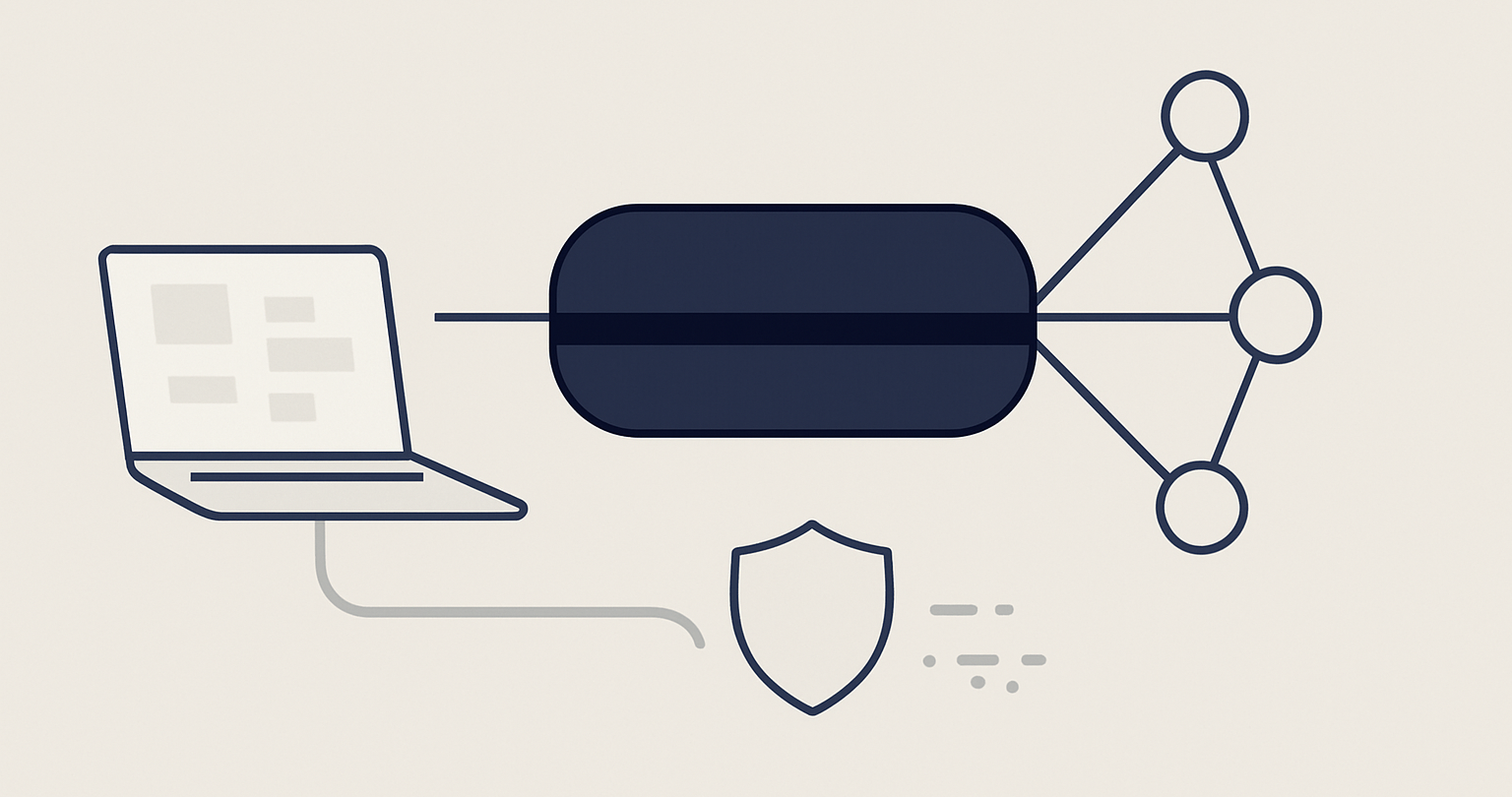
A VPN for torrenting can hide your home IP address from peers when the torrent client sends traffic through the VPN tunnel, but privacy depends on correct setup and verification. Use a provider that permits P2P, connect the VPN before opening the client, enable a kill switch where available, bind a compatible client to the VPN interface, and test with a legal torrent.
- A VPN changes the public IP address that peers see only while the torrent client is using the VPN connection.
- A kill switch can reduce accidental exposure after a VPN drop, but client binding adds a second control where the torrent client supports it.
- Use a legal Linux distribution or other authorized torrent for testing before downloading or seeding other material.
- In the United States, torrenting itself is not the issue; downloading or uploading copyrighted works without permission can be infringement.
- A VPN can reduce ISP visibility into the contents of the encrypted connection, but it does not make a person anonymous to every website, account, device, or investigation.
Contents
- What does a VPN actually hide when you torrent?
- How do you set up a VPN for a torrent client?
- How do you check that your torrent client cannot leak your IP?
- What can a VPN not protect you from?
- What do people ask about VPNs and torrenting?
- What should you do before your first private P2P transfer?
Private torrenting is less about finding a switch marked “anonymous” and more about making sure the torrent client has no usable route except the VPN. A correct setup protects the connection path; it does not give permission to share copyrighted material without authorization.
What does a VPN actually hide when you torrent?
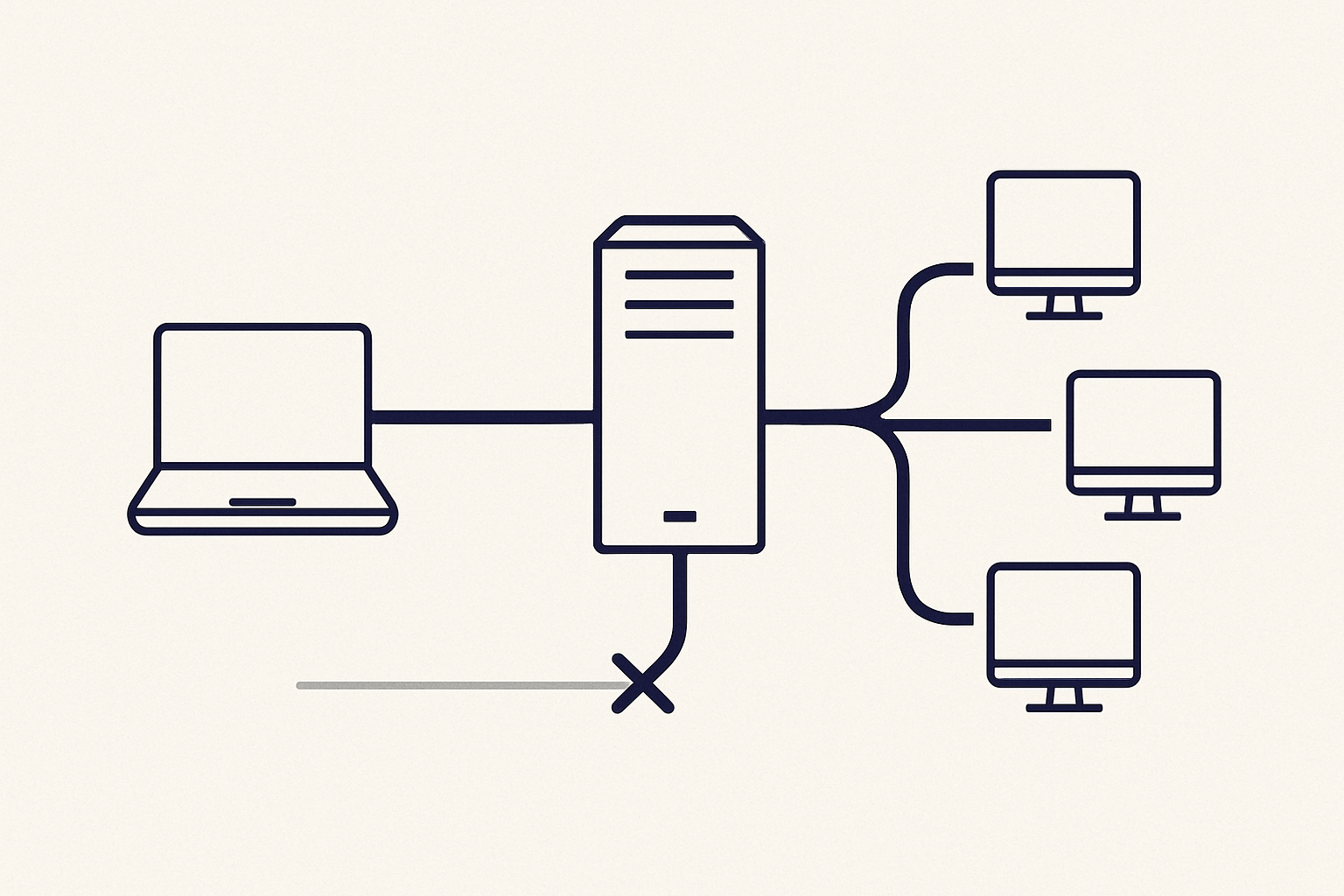
A VPN routes the torrent client’s traffic through a VPN server, so peers should see the VPN server’s public IP address rather than the IP address assigned by the home internet provider. The internet provider can generally still see that a device is connected to a VPN server and can observe connection timing and data volume.
The important distinction is between the VPN tunnel and the torrent client. Connecting a VPN app does not prove that every application is using the tunnel. A client can expose the ordinary connection if it starts before the VPN connects, reconnects after a drop, or is configured to use any available network interface.
VPN Secure states that its service supports P2P traffic and that its network supports IPv4 and IPv6 traffic. Review the available VPN security features before treating any provider setting as a privacy guarantee. (vpnsecure.me)
A provider’s logging policy matters separately from tunnel routing. VPN Secure describes its no-logging policy as not recording IP addresses, connection timestamps, bandwidth usage, or DNS requests. A policy describes what the provider says it retains; it does not replace a local leak check on the device. (vpnsecure.me)
The practical goal is simple: peers see the VPN exit IP, and the torrent client stops rather than falling back to the normal internet connection.
How do you set up a VPN for a torrent client?
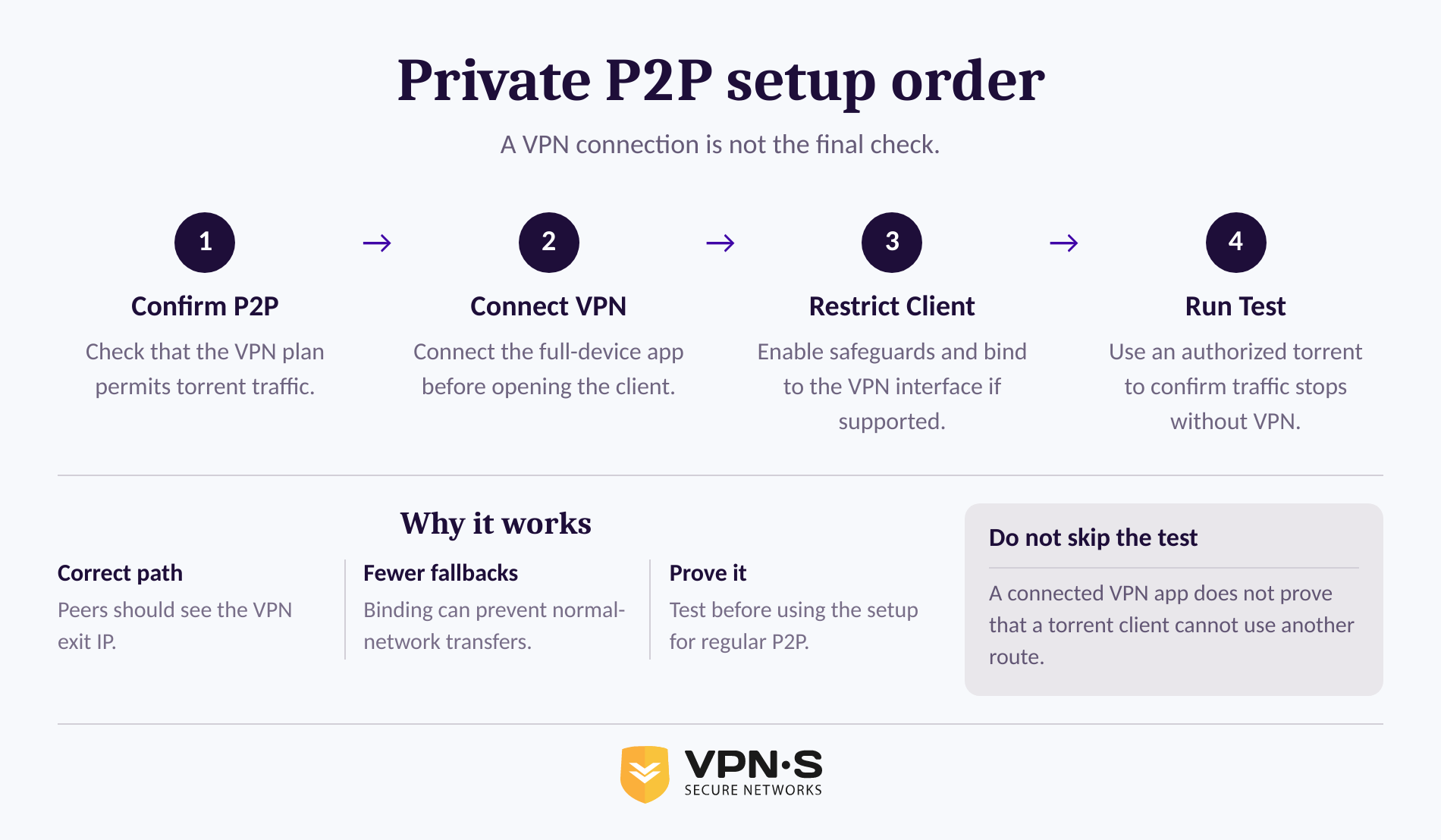
Set up the VPN first, then open the torrent client only after the connection is active. If the VPN app offers a kill switch, enable it; if the torrent client can bind to a network interface, bind it to the VPN interface as an additional safeguard.
- Confirm that the VPN plan permits P2P traffic. Provider rules and server availability vary. Do not assume that every free plan, proxy service, browser extension, or server location is suitable for full-device torrent traffic.
- Install the full-device VPN app and connect before opening the torrent client. A browser-only proxy protects browser traffic, not a separate desktop torrent client. Use the provider’s VPN app downloads page to select the appropriate Windows, macOS, Linux, Android, or iOS app. (vpnsecure.me)
- Turn on the kill switch if the app provides one. A kill switch is intended to block internet traffic if the encrypted VPN connection unexpectedly ends. Check the app’s current documentation because the setting name and platform support can differ.
- Bind the torrent client to the VPN interface if that option exists. In qBittorrent, for example, the Advanced settings include a Network Interface option. The project’s documentation explains that choosing the VPN adapter can make transfers available only while that VPN interface is active. qBittorrent’s binding guide gives current interface-selection steps. (github.com)
- Do not rely on a proxy setting alone. A torrent client may use peer connections, trackers, DNS, IPv4, and IPv6 in ways a browser-specific setup does not cover. Use the full VPN tunnel for the device or explicitly confirm the client’s supported routing method.
- Start with an authorized torrent. A Linux distribution, public-domain work, or file the publisher has explicitly authorized is useful for proving the setup before using it for other legal P2P transfers.
A VPN connection is only the first control; binding a compatible torrent client gives the client fewer ways to reach peers outside that connection.
How do you check that your torrent client cannot leak your IP?
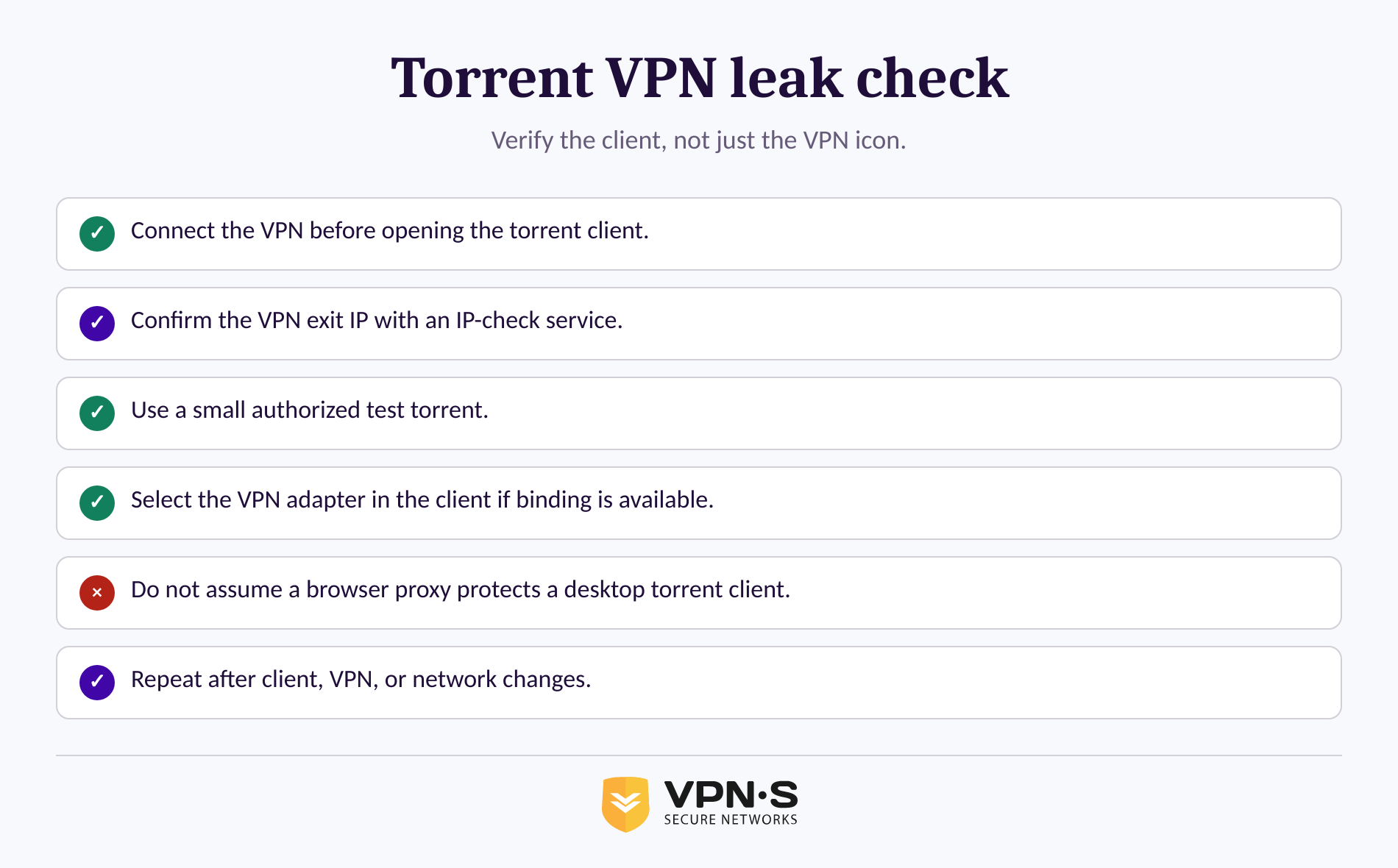
Verify the setup with an authorized test torrent while the VPN is connected, then confirm that the client will not transfer when its VPN interface is unavailable. Do this before using the client for any P2P activity that could expose information you consider sensitive.
Use this verification sequence:
- Connect the VPN and note the VPN exit IP shown by an IP-check service.
- Open the torrent client only after the VPN says it is connected.
- Add a small, authorized test torrent and confirm that the client can transfer normally.
- Confirm that the client is bound to the VPN adapter rather than “Any interface,” if the client provides that setting.
- Pause the test torrent, disconnect the VPN, and then try to resume it. A correctly bound client should not find a route through the normal connection.
- Reconnect the VPN, restart the torrent client if necessary, and repeat the authorized test.
This sequence does not prove that every app on a device is private. It does prove whether the specific torrent client has a usable path when the VPN adapter is absent. Recheck after a client update, operating-system update, VPN protocol change, or network-adapter change.
A privacy setting is trustworthy only after the actual torrent client behaves as expected during a controlled, legal test.
What can a VPN not protect you from?
A VPN can protect the path between a device and the VPN server, but it cannot erase information voluntarily given to a website, tracker, account, or file-sharing community. A VPN also does not make unauthorized distribution of copyrighted works lawful.
Do not treat a VPN as protection against these separate risks:
- Copyright infringement. The U.S. Copyright Office says that uploading or downloading copyrighted works through peer-to-peer networks without the copyright owner’s authority can infringe exclusive reproduction or distribution rights. Permission, licensing, public-domain status, and applicable exceptions matter. Read the Copyright Office’s peer-to-peer guidance. (copyright.gov)
- Account-based identification. Signing into an account can identify activity to that service even when the public IP address changes.
- Malicious files. Encryption cannot inspect, validate, or clean a downloaded file. Use trusted publishers, verify hashes or signatures where provided, and keep operating-system and security updates current.
- Device compromise. Malware, browser extensions, exposed remote-access tools, and weak account security are outside the VPN tunnel’s job.
- Unverified privacy claims. A provider policy, a successful speed test, or a VPN icon in the menu bar does not prove that a specific torrent client is correctly routed.
Use a VPN as one part of a privacy setup, not as a legal shield, malware scanner, or guarantee of anonymity.
What do people ask about VPNs and torrenting?
These questions have short answers, but the details matter because provider policies, local laws, client settings, and individual behavior are not the same thing.
Do VPNs allow torrenting?
VPN technology can carry torrent traffic, but each provider decides whether its service and servers permit P2P use. VPN Secure states that it supports P2P traffic across its servers. Check the provider’s current policy and use a full-device VPN connection rather than assuming a browser proxy protects a separate torrent client. (vpnsecure.me)
Is torrenting banned in the US?
Torrenting as a file-distribution method is not categorically banned in the United States. The legal issue is the file and the permission to share it: the U.S. Copyright Office states that unauthorized uploading or downloading of copyrighted works through peer-to-peer networks can be infringement. This is general information, not legal advice.
Can the FBI track a VPN?
A VPN does not make a person untraceable. A VPN changes the IP address seen by destinations and encrypts traffic on part of its route, but accounts, devices, endpoint records, malware, provider practices, and legally obtained evidence can still matter in an investigation. The facts of any investigation and jurisdiction determine what can be linked.
Can an ISP tell if you are torrenting with VPN?
An internet provider can usually see that a device is connected to a VPN server and can observe timing and data volume. When the VPN tunnel is working correctly, the provider should not be able to read the torrent traffic contents between the device and VPN server. The provider can still see activity if the tunnel disconnects or the torrent client bypasses it.
The recurring answer is that a VPN reduces IP exposure only when the provider, app, and torrent client are all configured and checked together.
What should you do before your first private P2P transfer?
Before using a torrent client, choose authorized material for a test, connect the VPN, enable available safeguards, bind the client if supported, and confirm that transfers stop without the VPN interface. Then repeat the check whenever the network setup changes.
For legal P2P use, review the available VPN Secure subscription plans, install the full VPN app, and make the controlled test part of the setup rather than an afterthought.
The one setting worth remembering is the one that proves the torrent client has no route when the VPN is gone.