





















VPN & Privacy
VPN options for Mac compared by privacy, protocols, and protection
A Mac’s polished interface isn’t a privacy shield. Yes, MacBook Air and MacBook Pro can use a VPN, and macOS includes a client that supports L2TP,...
In short
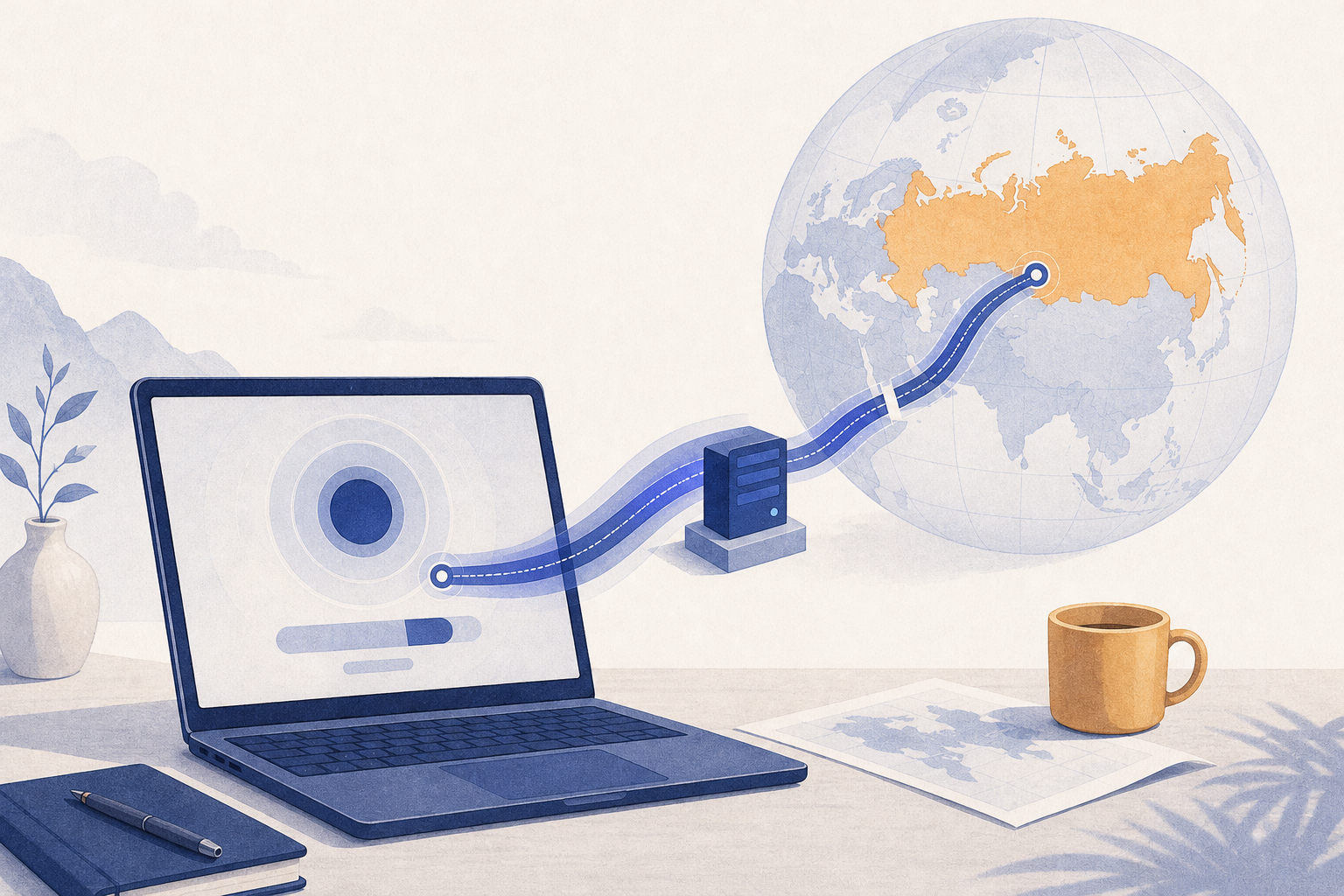
A VPN can encrypt the connection between your device and a VPN server and can give you an IP address in another country. It cannot guarantee access: networks and websites set their own rules, VPN laws differ between countries, and a particular website may still reject VPN traffic.
Key takeaways
A VPN is useful only when its limits are clear. Start by deciding which problem you are solving: protecting traffic on the network you are using, reaching your own accounts and services while abroad, or choosing a server location for speed.
Most VPN connections work on ordinary networks, but no provider can honestly promise that a connection will work on every network or remain available indefinitely. Hotel, airport and office networks often limit ports or protocols, so a connection that works today can fail after a network or infrastructure change.
A VPN can still have a straightforward privacy use. It creates an encrypted tunnel from your device to a VPN server, which can help prevent people on the same Wi-Fi network from reading traffic in transit. Learn more about how VPN encryption works, including where that protection begins and ends.
A VPN can also change the IP address websites see. That can help you reach your own accounts and services from a familiar location while you travel, subject to each service’s terms, but access is never guaranteed. A website may reject known VPN IP addresses, require local identity verification, or apply its own security rules.
A VPN abroad is best treated as a privacy and connectivity tool with uncertain availability, not as a guarantee that every service will accept your connection.
VPN rules differ from country to country. Some countries regulate VPN services, VPN advertising, or certain online activity, and the rules and enforcement environment can be complicated enough that this is not a substitute for advice from a qualified lawyer.
Where local rules apply to VPN providers, a service that does not meet them may be limited or unavailable. Check official guidance for your destination before you travel, because requirements can change at short notice.
The legal risk is not limited to whether an app is installed on a phone. In some places, rules also cover VPN advertising or the obligations of service operators, and using any tool to commit a crime is treated seriously. Check official guidance for your destination.
If an activity, search, or website could create legal risk without a VPN, adding a VPN does not make that risk disappear. Check current local law before traveling or acting on sensitive information.
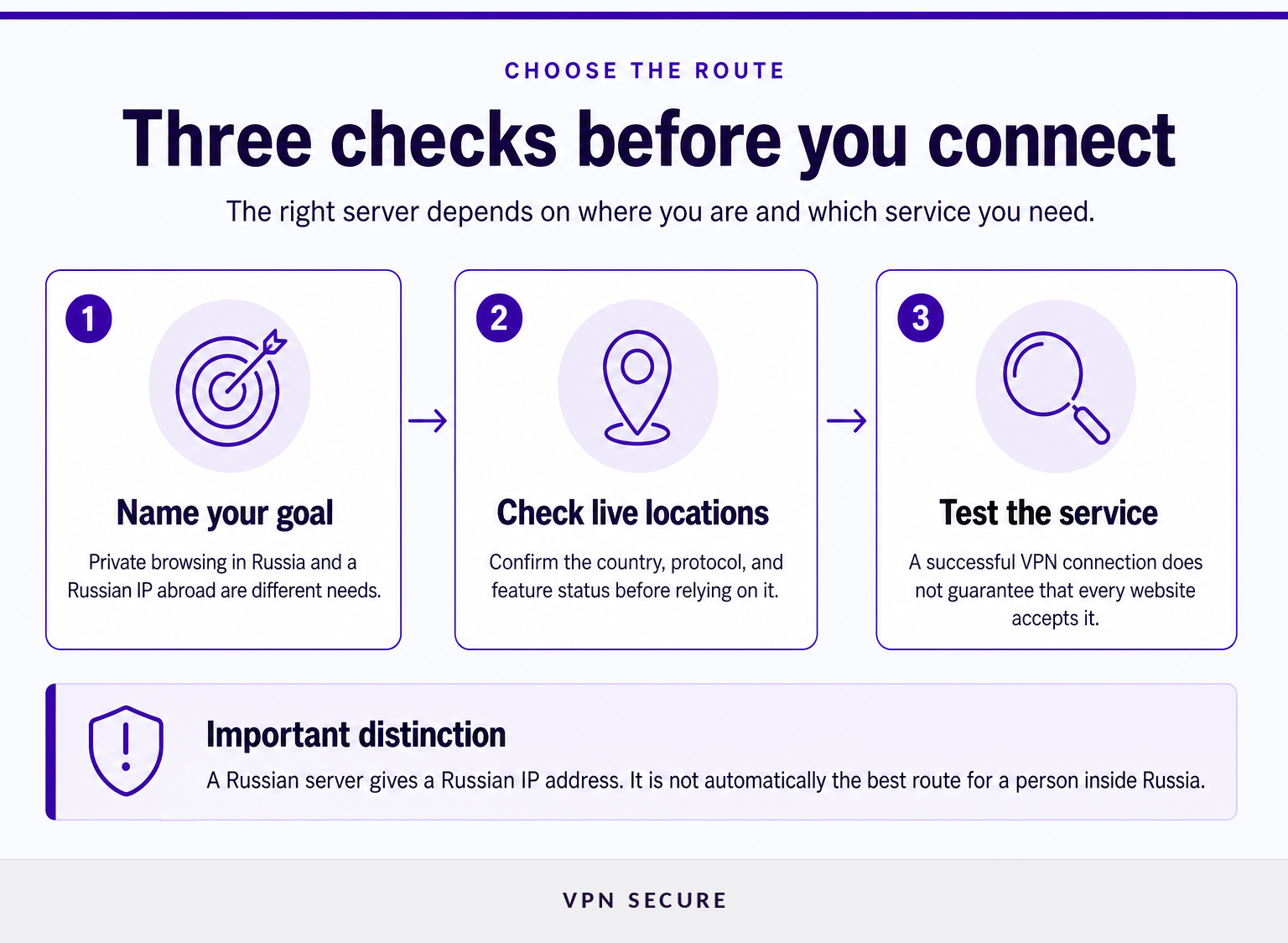
To get an IP address in a particular country, connect to a VPN server physically located there. To protect a connection while you travel, choose a server based on the service you need to reach and on network performance; a nearby server is often the fastest.
If you need to sign in to your own accounts, such as banking or work portals, while abroad, a server in your home country gives them a familiar IP address, subject to each service’s terms. It does not guarantee that the service will accept VPN traffic.
If you simply want an encrypted connection on hotel or airport Wi-Fi, selecting a nearby server may make more sense. The right choice depends on network performance, the service’s own location rules, and whether the connection can be established at all.
Install the official app and sign in before a trip, rather than relying on slow or unfamiliar hotel Wi-Fi to download it later. Keep the app updated, and avoid copying configuration files or credentials from forums, shared drives, or unknown messages.
VPNSecure’s location directory lists each server with its supported protocols, such as WireGuard and OpenVPN, and not every server offers every feature. Review available VPN locations immediately before connecting because location availability and capabilities can change.
Connect, then open the site or app you actually need. Test normal browsing as well as any work, communication, or account login flow that matters to you. If a service rejects the VPN connection, disconnecting or choosing a different legitimate location may show whether the issue is the VPN IP, the service’s regional rule, or a separate account requirement.
VPNSecure also documents the Advanced protocol, a modern encrypted protocol that keeps connections stable and private on hotel, airport or office Wi-Fi, for supported Windows, macOS, and Linux configurations. Review the current VPNSecure features before treating that option as available on a particular device or server.
For readers who need an IP address in a particular country, the useful first step is confirming the live server list rather than assuming that a country location exists.

A VPN can stop working because a network can reject the provider’s IP addresses, limit traffic on a port, or not allow a particular VPN protocol. A failed connection does not prove that your account is faulty, and switching servers does not guarantee a lasting fix.
Network conditions differ between hotels, airports, cities and mobile carriers, so a recommendation from another traveler may not match your own result. Treat it as useful context, not a promise about a specific connection.
Start with basic checks: confirm that ordinary internet access works, update the VPN app, check the provider’s live status information, and try the supported connection settings documented by the provider. Do not repeatedly enter credentials into unfamiliar websites or install unofficial “fix” applications during a connection problem.
On an unfamiliar network, a connection failure is often a changing network condition, so test calmly and use only provider-supported software and settings.
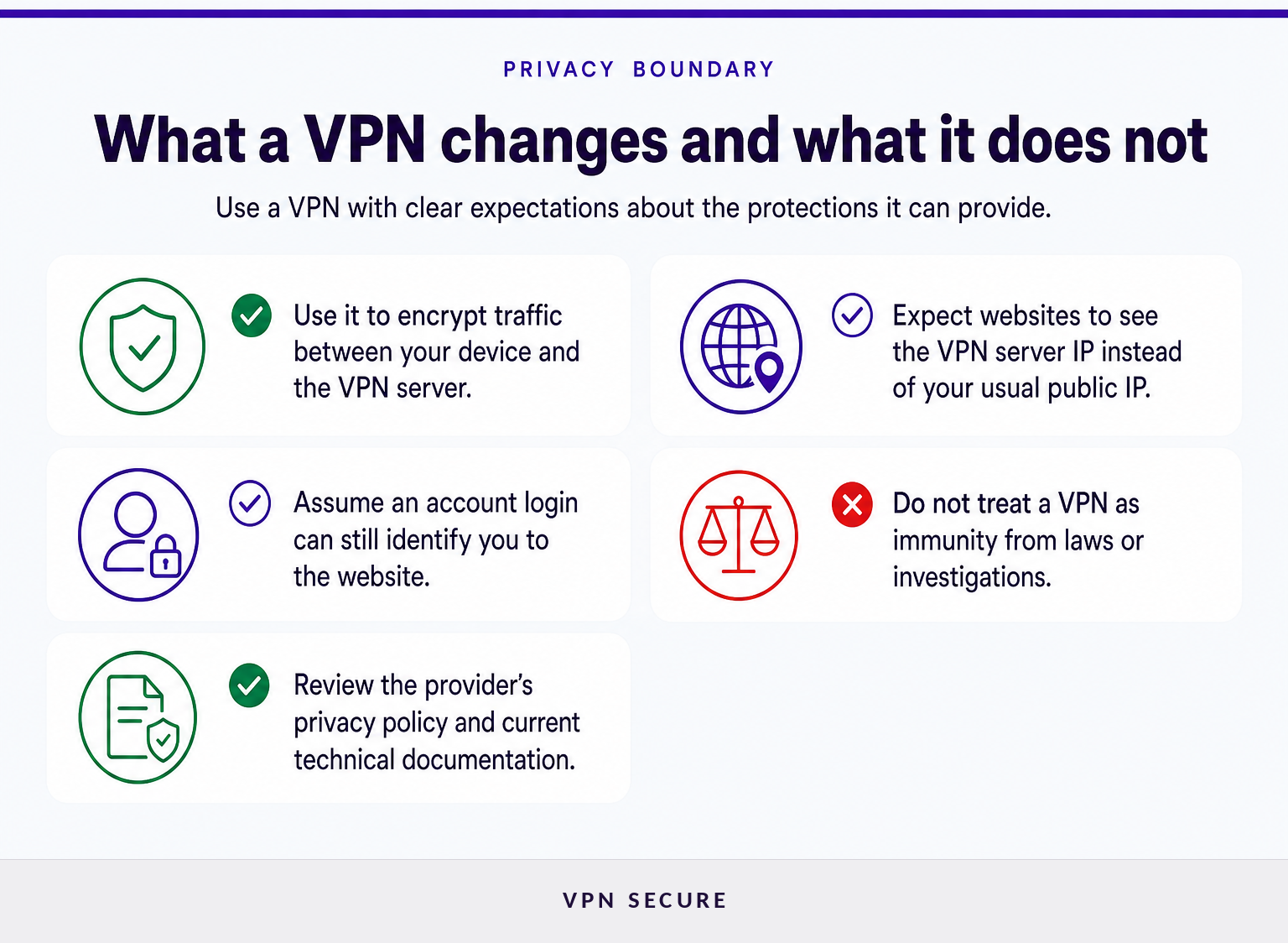
A VPN encrypts traffic between your device and the VPN server, reducing what a local Wi-Fi operator or internet provider can read on that part of the route. A VPN does not make you anonymous to websites where you sign in, and it does not remove legal, account, device, or browser-level identifiers.
When a VPN connection is active, the local network can usually still see that your device is communicating with a VPN server and may observe connection timing or data volume. The VPN provider handles traffic as it exits the tunnel, which is why the provider’s privacy policy, technical documentation, and operating practices matter.
Destination websites can still recognize you through your account login, cookies, browser fingerprinting, payment details, or information you submit. HTTPS also has a separate role: it protects traffic between your browser and a website, while the VPN protects the device-to-server leg.
Use a VPN to reduce exposure on the connection, especially on public Wi-Fi, but keep using strong account security, software updates, and careful judgment about what you share.
Most VPN services connect on ordinary networks, but availability on a given hotel, airport or office network is not guaranteed and can change without notice. Some networks limit ports or protocols, so test a provider on the network you will actually use. A successful connection does not guarantee access to every website or app.
A VPN can reduce what a local network or internet provider can see about traffic between your device and the VPN server, but it does not make someone untraceable. Investigations can rely on account records, devices, financial trails, destination websites, or other evidence. A VPN should never be treated as protection from lawful investigation.
VPN rules differ between countries. Some regulate VPN services or VPN advertising, and additional risks can arise from the activity conducted online. Laws and enforcement can change, so obtain qualified local legal advice for high-risk situations.
To get an IP address in a particular country, create an account with a provider that currently lists a server there, install its official app, choose that location, and test the service you need. The IP address may still be rejected by websites that refuse VPN traffic or require identity checks.
Set up the official app before travel, review the current location list, and test the specific websites or services that matter to you. If you need help comparing locations or starting a subscription, review VPNSecure’s current VPN locations and choose a server only after checking its listed capabilities.
The useful expectation is simple: a VPN can improve connection privacy and change your visible IP address, but it cannot guarantee access or remove the consequences of what happens online.
Keep reading
A Mac’s polished interface isn’t a privacy shield. Yes, MacBook Air and MacBook Pro can use a VPN, and macOS includes a client that supports L2TP,...

Planning a trip to China? Learn which VPN features matter, why Stealth VPN helps, how to prepare before departure, and what legal and access limits to consider.

A VPN for accessing region-locked games can change the IP location a game sees, but it won’t automatically change your Steam store region. Steam...
No logs, ever. Start with Free with ads in under a minute.