





















VPN & Privacy
VPN options for Mac compared by privacy, protocols, and protection
A Mac’s polished interface isn’t a privacy shield. Yes, MacBook Air and MacBook Pro can use a VPN, and macOS includes a client that supports L2TP,...

In short
Before a trip abroad, travelers should get WhatsApp ready instead of assuming it will work smoothly on unfamiliar networks. Install and sign in on your phone, keep the registered number able to receive SMS or calls, arrange a backup contact method, and plan how you will protect your connection on hotel and airport Wi-Fi.
On this page
Travelers should not assume WhatsApp will work smoothly on every hotel Wi-Fi or local mobile-data connection abroad. Captive portals, weak signals, roaming settings and busy public networks can all interrupt messages and calls, and shared Wi-Fi also exposes your traffic to other people on the same network.
This guide applies to international travel in general. Networks, mobile plans and local rules differ by destination, so check the details for each country on your itinerary before you go. More importantly, do not make an airport arrival your first test: app availability, network quality, and account setup can each fail in different ways.
If WhatsApp matters for family, work, airport pickups, or accommodation, prepare for it to be unavailable for a while rather than relying on a report that it worked for somebody else. Network conditions can vary by route, provider, location, and time.
Plan for WhatsApp to be unavailable at times on unfamiliar connections, then prepare backups before departure.
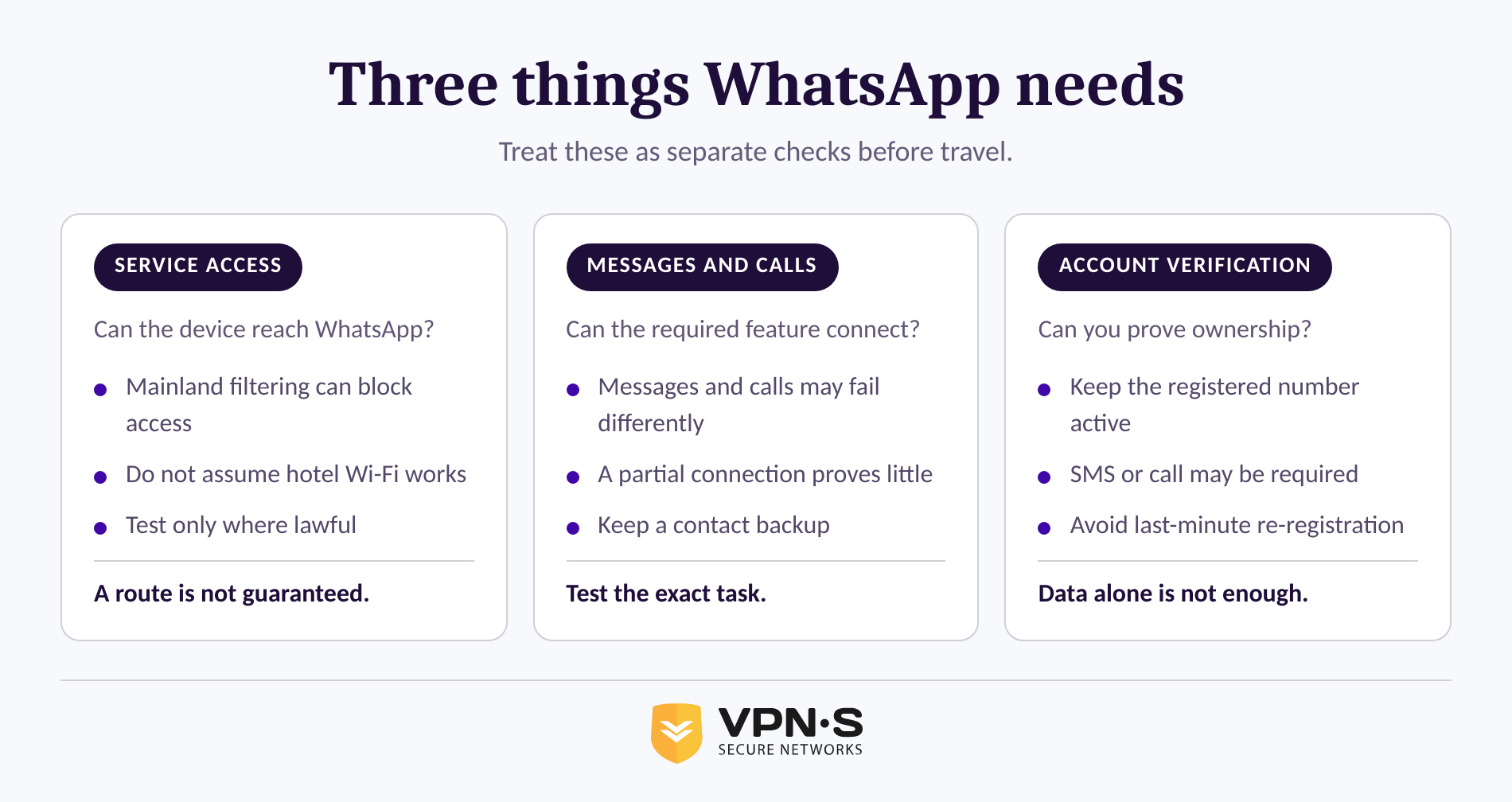
WhatsApp readiness has three parts: reaching the service, using the app for messages or calls, and proving ownership of the phone number if WhatsApp asks you to register again. A connection that loads one feature does not prove that every feature, or your account setup, will work.
WhatsApp's own registration guidance says an account needs an active phone number that can receive a verification code by SMS or phone call. WhatsApp also says that an eSIM works like a physical SIM for account purposes, but the account remains tied to the number that was verified, not to whichever data plan is currently active.
That distinction matters if you replace a SIM, change phones, reinstall the app, or lose access to your usual number during the trip. A data connection can be available while account verification is still impossible because the registered number cannot receive the required code.
Do not confuse an internet connection with a verified WhatsApp account: travelers need both when WhatsApp asks them to sign in again.
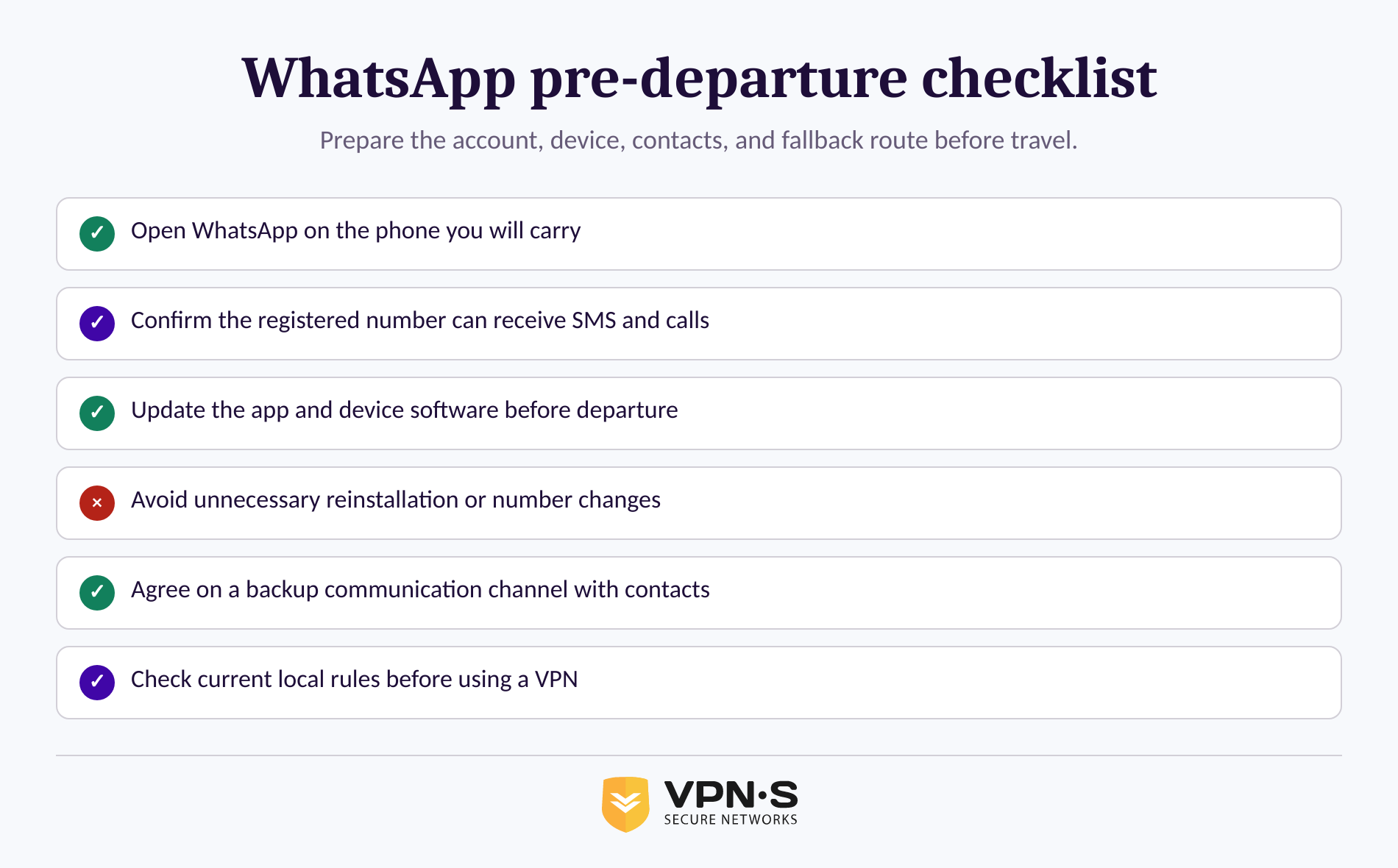
Prepare WhatsApp and your fallback communication method while you still have reliable access to your normal number, app store, contacts, and support channels. The U.S. Department of State also advises travelers to update apps and operating systems before international travel.
Start by confirming that WhatsApp opens on the phone you will carry and that important conversations, documents, and contacts are available where needed. Avoid reinstalling or changing the account number immediately before departure unless it is necessary, because a fresh registration may require a verification SMS or phone call.
Install any tools you may lawfully use before travel. If you decide a VPN is appropriate after reviewing the legal position, install the VPNSecure app before you travel rather than depending on downloads or account recovery after arrival.
Then prepare a contact plan that does not require WhatsApp. Ask your hotel, host, employer, or local contacts which communication channel they monitor, exchange the details before leaving, and keep essential phone numbers in a format you can access offline.
Travelers who also rely on streaming or media apps should check those separately. They are different services with different requirements, but the same rule applies: do not assume one connection method will work everywhere.
Preparation is the reliable part of this problem: install, sign in, verify your number, and agree on a backup before the trip starts.
A VPN encrypts the connection between your device and the internet, which protects messages and calls on hotel, airport and café Wi-Fi. It cannot guarantee app access, account verification, or that use is permitted everywhere. Treat a VPN as a privacy and security tool, not as a promise that messages and calls will work.
The legal position deserves more care than a simple yes-or-no answer. Rules on VPN use and telecommunications differ between countries, and some destinations regulate VPN services. Your government’s official travel advice for each destination is a good starting point before you pack.
Those rules are not identical from one country to the next, and this article is not legal advice. Check current official guidance that applies to your nationality, itinerary, employer, and intended use before using any VPN abroad. Do not use a connection tool to violate local law, a workplace rule, or a network policy.
If a VPN is lawful and appropriate for your circumstances, review VPNSecure's privacy and security features before traveling and set it up early. Test the app on your device, but do not interpret a successful test at home as proof of performance on every network after arrival.
A VPN protects your connection, but it does not remove legal obligations or guarantee that WhatsApp will work on every network.
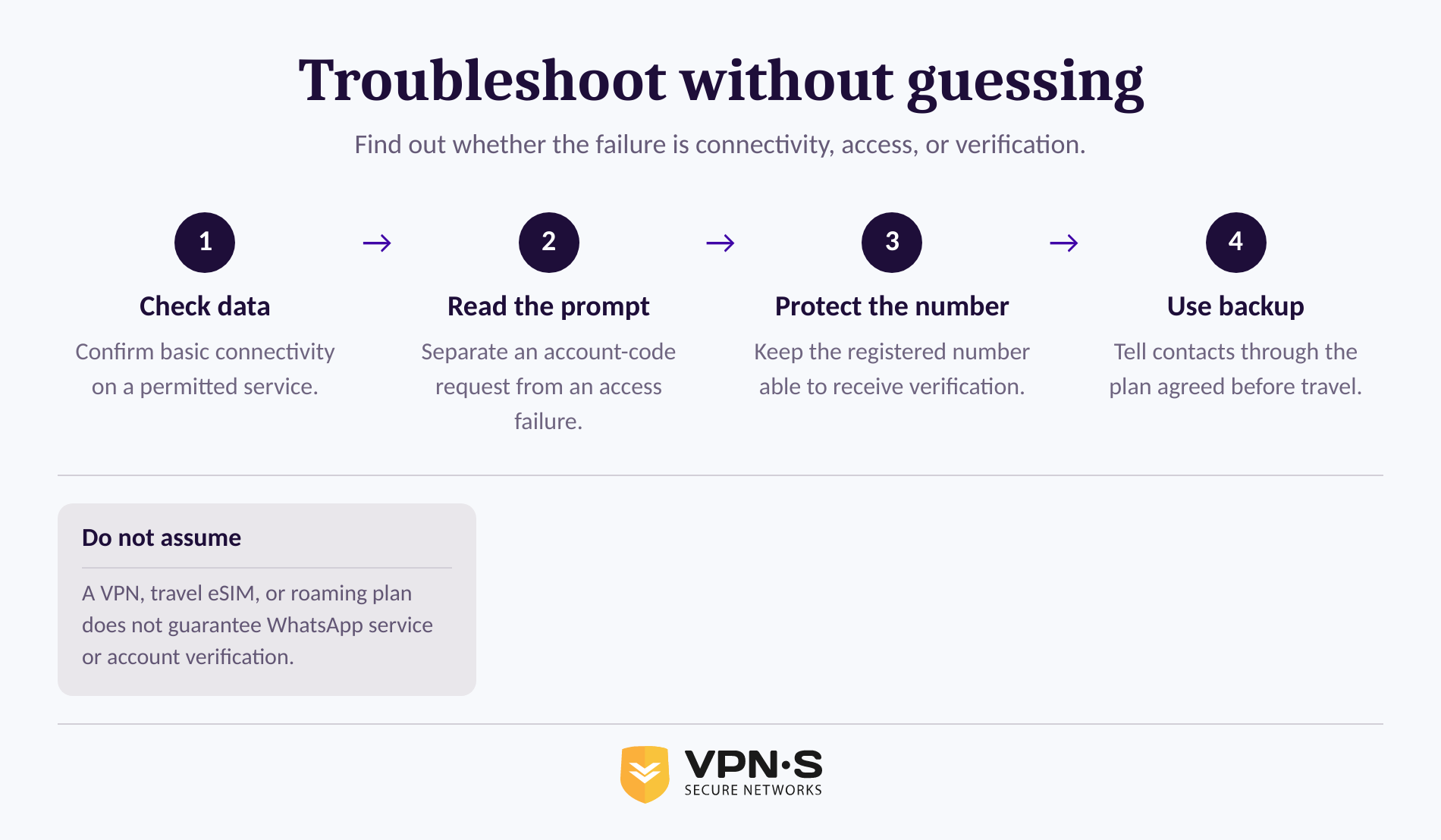
If WhatsApp fails after arrival, identify whether the problem is basic connectivity, app access, or account verification before changing settings repeatedly. Random retries can leave you with less information and, in some cases, a delayed verification attempt.
First, check whether the device has a working data connection for services you are permitted to use. Next, read the exact WhatsApp message. A request for a registration code is an account problem, not simply a network problem, and WhatsApp says the registered number must be able to receive SMS or calls for standard registration.
If you have already prepared a backup communication channel, use it to tell contacts that WhatsApp is unavailable. Keep sensitive personal, business, or proprietary information off devices used for the trip where possible, and never treat hotel or other public networks as private.
For a VPNSecure connection issue, use the available VPN troubleshooting and support options rather than repeatedly reinstalling the app or switching account details. Support can help with the service, but it cannot override a network's own settings, a phone carrier's verification rules, or local law.
Troubleshoot one dependency at a time: connection first, account verification second, and a prepared backup whenever either one fails.
Travelers can usually keep using an already configured WhatsApp account when they have a working connection, but smooth access on every network should not be assumed. Prepare a lawful backup rather than depending on last-minute setup.
For day-to-day local communication, ask your host, employer, hotel, or contacts which channel they actively monitor. Install that option before departure, exchange contact details in advance, and keep an offline copy of important numbers. The most useful backup is the one your specific contacts have agreed to use.
Availability can change, and this guide does not certify that any communication app will work everywhere. Use a channel already agreed with local contacts, download it before departure, and verify that it works on the device you are taking. That approach is more dependable than relying on a stale app list.
Tourists can usually keep using their favourite online services, but hotel and airport Wi-Fi is shared with strangers. Log in only over an encrypted connection, keep two-factor authentication switched on, and download essential information before travel.
The best communication backup is the one your contacts can actually receive, not the one a travel article assumes will work.
Before traveling, open WhatsApp on the phone you will carry, confirm access to the registered number, update the app, and agree on a backup contact method. Check current travel and legal guidance again close to departure, because access conditions and enforcement can change faster than any evergreen guide.
Keep reading
A Mac’s polished interface isn’t a privacy shield. Yes, MacBook Air and MacBook Pro can use a VPN, and macOS includes a client that supports L2TP,...

Planning a trip to China? Learn which VPN features matter, why Stealth VPN helps, how to prepare before departure, and what legal and access limits to consider.

A VPN for accessing region-locked games can change the IP location a game sees, but it won’t automatically change your Steam store region. Steam...
No logs, ever. Start with Free with ads in under a minute.