




















VPN & Privacy
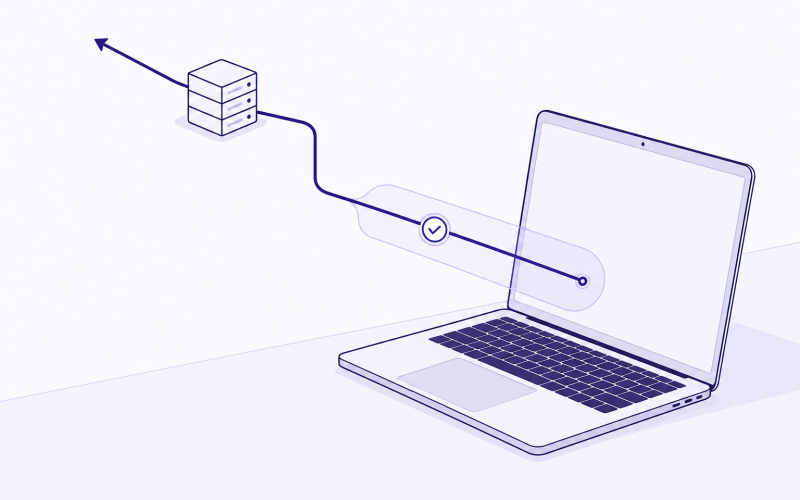
Best VPN for Mac: A macOS Checklist for Privacy, Speed and Setup
Choose a VPN for Mac with a practical checklist for macOS apps, protocols, browser proxies, privacy, free plans, and Apple-device compatibility.
Choose a VPN for Mac with a practical checklist for macOS apps, protocols, browser proxies, privacy, free plans, and Apple-device compatibility.

A VPN encrypts the traffic between your device and a VPN server, so websites see the server’s IP address instead of yours. Here is what that means at school, work or home...

A streaming library can change when your apparent location changes. Licensing agreements vary by region, and a VPN adds privacy, encryption and server choice to how you stream,...
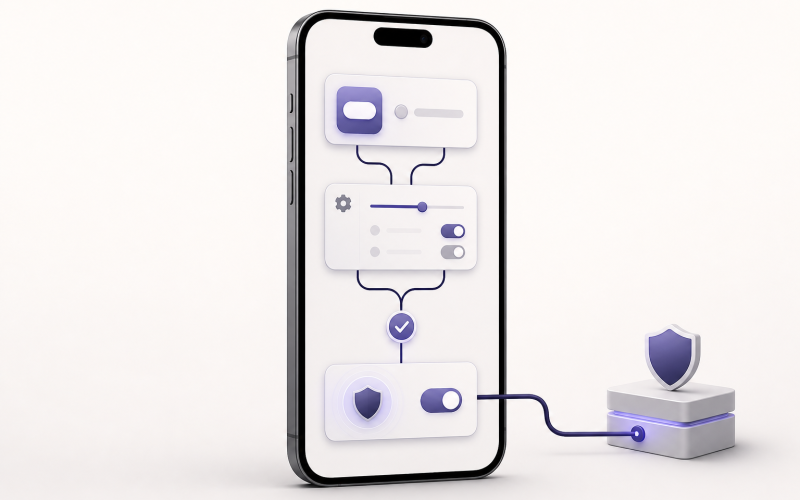
Set up a VPN on iPhone with an app or manual configuration. Follow current iOS steps, approve permissions, connect, and fix common VPN problems.
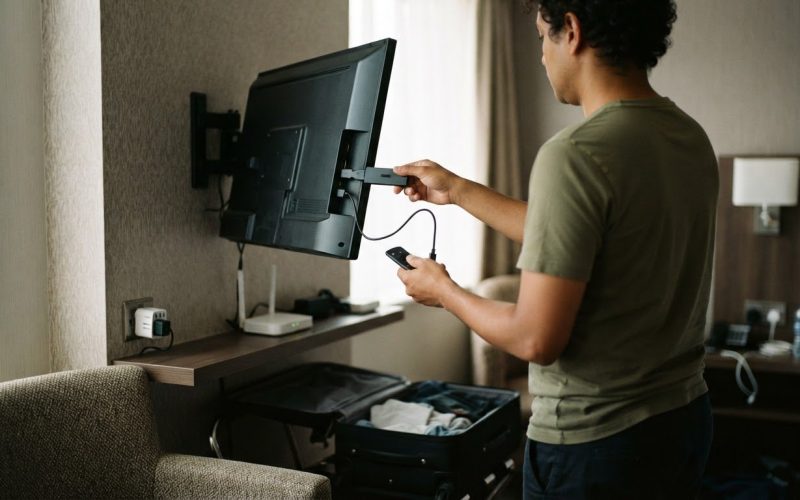
A VPN for streaming encrypts your traffic and hides your IP address from trackers, which is especially useful on hotel or public Wi-Fi. It can’t change a streaming service’s content licenses or terms...

A VPN for ad tracking prevention can help, but it won’t make ads disappear. To choose a VPN for ad tracking prevention, understand its limits: it can...

A VPN can protect your privacy while you stream by encrypting your connection and hiding your IP address from trackers and other people on the same network...
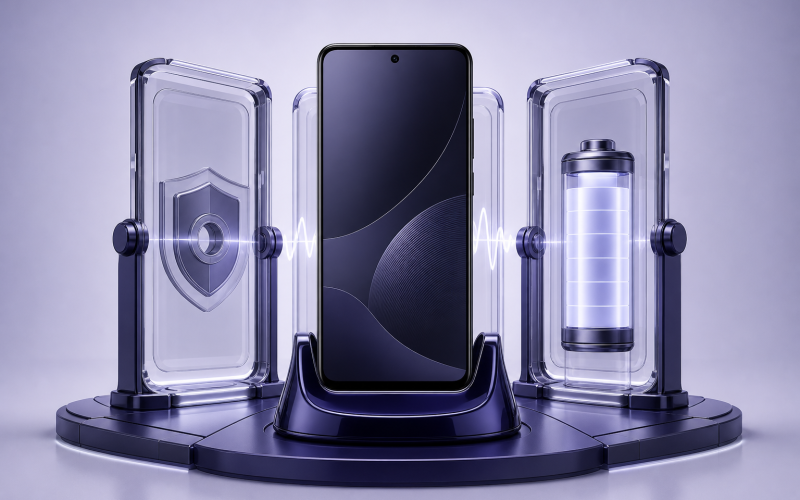
Choose an Android VPN with confidence. Compare privacy policies, permissions, protocols, battery use, public Wi-Fi protection, setup options, and free-plan limits.
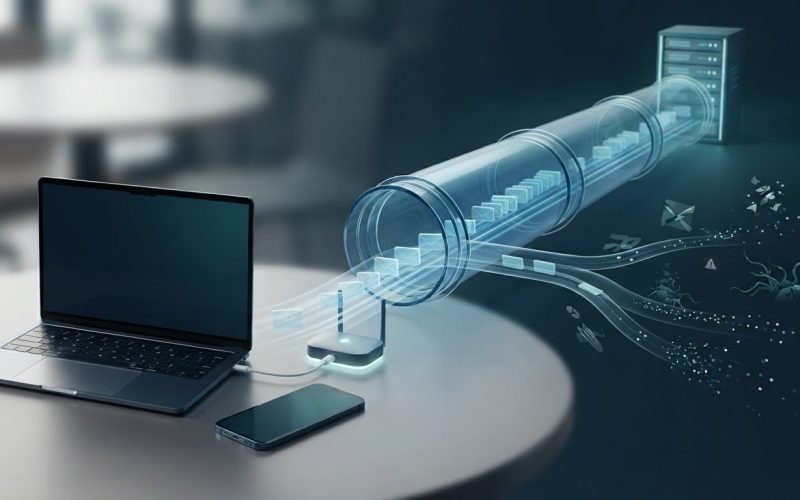
Encryption protects the connection, not everything you do online. A VPN for data protection encrypts traffic between your device and a VPN server,...

A VPN isn’t a magic key to school Wi-Fi. A VPN for school Wi-Fi can encrypt your internet traffic, but it won’t override the settings on a school-managed Chromebook...
No logs, ever. Start with Free with ads in under a minute.