


In short
The best VPNs for Android are the apps that clearly explain what they collect, support a secure protocol, work reliably on Wi-Fi and mobile data, and fit how you use your phone. Before subscribing, check the provider's privacy policy, Google Play data disclosures, Android permissions, connection controls, and device coverage.
Key takeaways
- A trustworthy Android VPN should have a clear privacy policy and a Google Play Data safety section that readers can compare before installation.
- Android permits only one active VPN connection per user or work profile, so running multiple VPN apps at once is not a useful fallback strategy.
- Battery use is a practical test, not a promise: install the app, use it on Wi-Fi and mobile data, and check whether it stays connected without excessive drain.
- Android's VPN settings can connect to a saved VPN profile, but most consumer services are set up and managed through their own apps.
- A free VPN can be suitable for occasional, low-risk use, but readers should verify the provider's data practices, server limits, and whether the plan supports the locations and features they need.
Table of contents
- What should an Android VPN do before it earns your trust?
- Which Android VPN features matter in daily use?
- How can you judge privacy claims and app permissions?
- Does Android have a built-in VPN?
- How should you set up and test a VPN on Android?
- What else do Android users ask about VPNs?
- What is the practical next step?
Android makes VPN use straightforward, but the app you choose still matters. A VPN app becomes part of the path your internet traffic takes, so a polished connect button is not enough. The strongest choice is the one whose privacy practices, Android behavior, and network features match the way you actually use your phone or tablet.
What should an Android VPN do before it earns your trust?
An Android VPN should establish an encrypted connection to a VPN server, show when that connection is active, and give you enough information to decide whether to trust the service. Android itself requires user approval before a VPN app can create its VPN connection, and Android displays system-level connection status while the VPN is active. Android's VPN documentation also confirms that only one VPN service can be active for a user or work profile at a time. (developer.android.com)
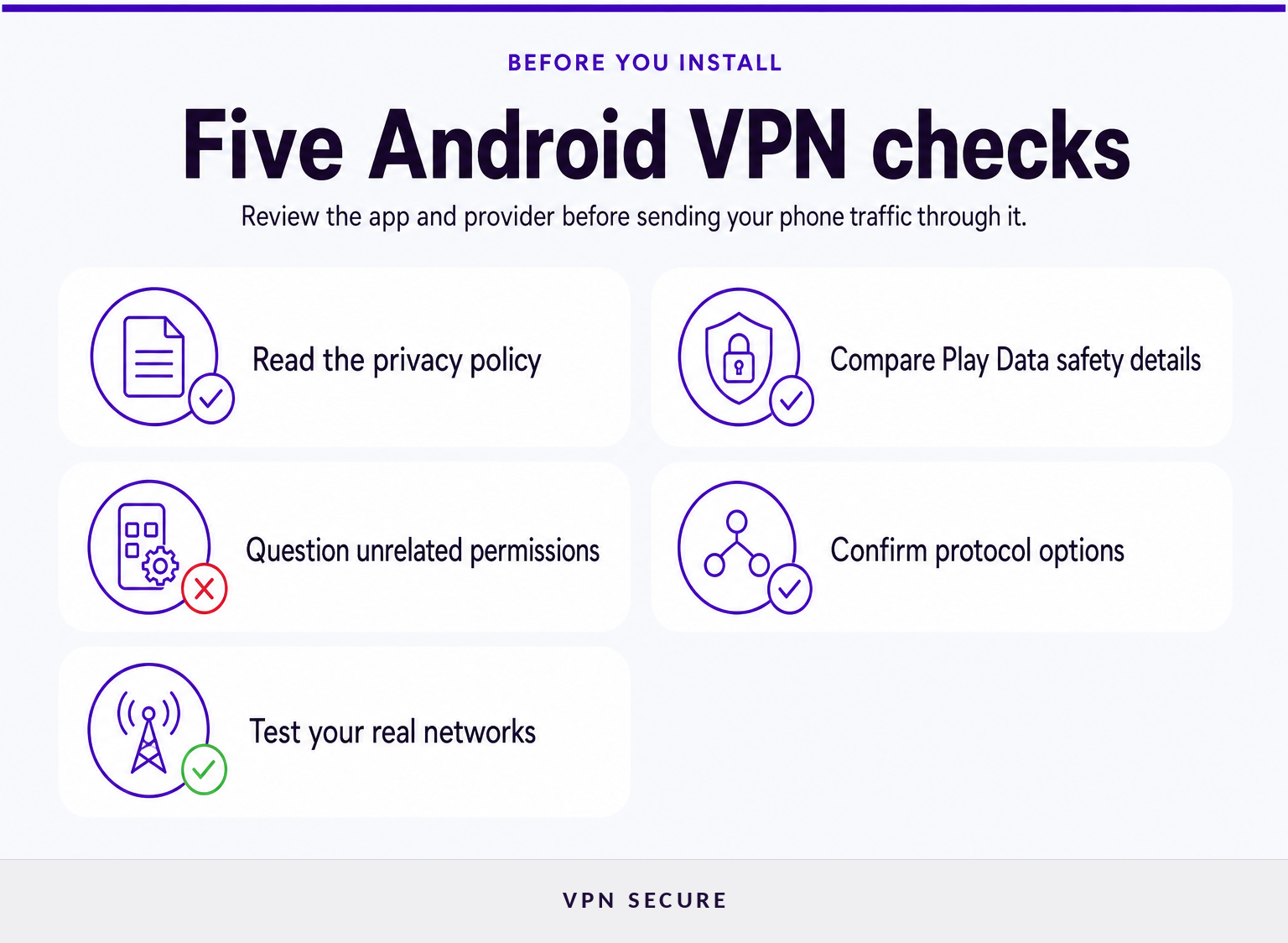
Start with five questions:
- What does the provider say it collects? Read the privacy policy, then compare it with the app-store disclosure. A short claim such as “no logs” is not enough on its own. Look for whether the provider addresses IP addresses, connection times, DNS requests, account data, and payment records.
- What does the app need access to? A VPN app needs Android's VPN approval to create a tunnel. Be more cautious if it also asks for access to contacts, call logs, messages, photos, microphone, or location without a clear feature-based reason.
- Can you choose a suitable protocol? Protocol availability matters when a network is slow, restrictive, or unreliable. A provider that documents modern and compatibility-focused options gives you more room to troubleshoot.
- Does it protect the devices you own? Check simultaneous-device limits and supported platforms before subscribing. An Android-only solution can become inconvenient if you also use a laptop, tablet, streaming device, or router.
- Can you test the service without committing long term? Review the refund terms, cancellation process, and the exact conditions that apply before paying for a long plan.
VPNSecure states that its subscription supports Android alongside other major platforms, connects up to 10 devices, and includes access to servers in more than 40 countries. Its published feature pages also describe WireGuard, OpenVPN, IPv6 support, ad blocking, and a stated no-logging policy. Those are useful starting points, but readers should still test the Android app on their own networks and confirm that the available features meet their needs. (vpnsecure.me)
The best Android VPN is not the one with the longest feature list. It is the one whose privacy disclosures and connection controls you can understand before handing it your traffic.
Which Android VPN features matter in daily use?
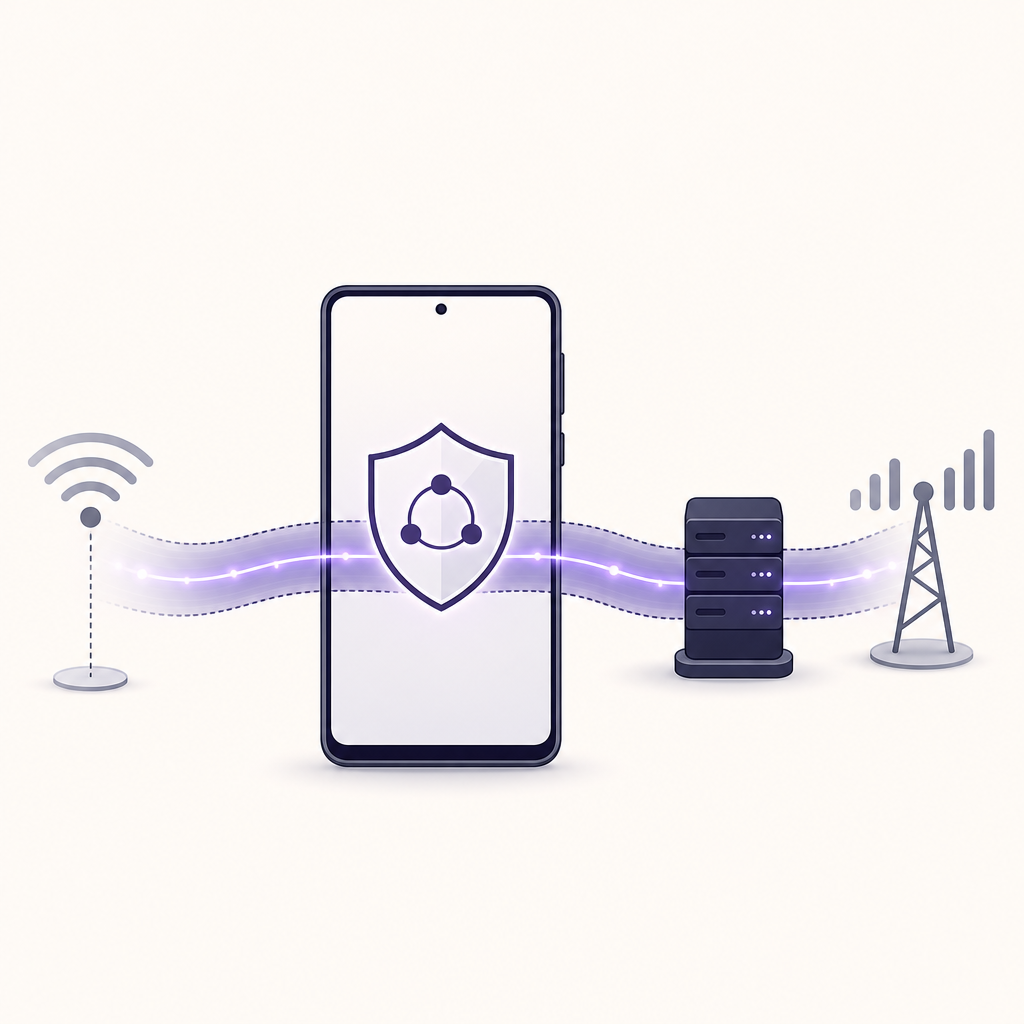
The Android VPN features that matter most are reliable reconnection, clear connection status, protocol choice, sensible server selection, and controls that suit public Wi-Fi and travel. Speed matters too, but an app that disconnects silently or behaves unpredictably is a poor trade even when it performs well in a short test.
Connection reliability comes before headline speed
A VPN adds another network hop, so some loss of speed or higher latency is normal. The practical question is whether the app reconnects cleanly after your phone moves between home Wi-Fi, public Wi-Fi, and mobile data. Test everyday tasks: loading a site, joining a video call, sending a message, and using a map. Test at different times of day rather than relying on a single speed-test result.
Protocol choice gives you a fallback
A protocol is the method used to create the VPN tunnel. VPNSecure documents WireGuard and OpenVPN support, and it positions WireGuard as its faster, lightweight option while presenting OpenVPN as a compatibility-oriented alternative. Protocol labels alone do not guarantee a better experience, but having a documented alternative can help when a hotel, workplace, school, or public hotspot interferes with a connection. (vpnsecure.me)
Public Wi-Fi protection needs sensible habits too
A VPN can encrypt traffic between your Android device and the VPN service, which is particularly useful on networks you do not control. The US Cybersecurity and Infrastructure Security Agency advises users to verify the legitimate public hotspot, keep devices updated, avoid sensitive activity on untrusted public networks where possible, and use an authorized secure connection when one is available. (cisa.gov)
A VPN does not make a fraudulent website safe, stop every form of tracking, or fix an outdated Android device. Keep automatic updates enabled, use unique passwords, and confirm the name of a public hotspot with staff before connecting.
For people comparing mobile platforms, the key differences are usually in settings and app behavior rather than the basic purpose of the service. This guide to vpns for iphone explains the equivalent iPhone considerations.
For everyday Android use, a stable connection and understandable controls are worth more than a theoretical feature you will never turn on.
How can you judge privacy claims and app permissions?
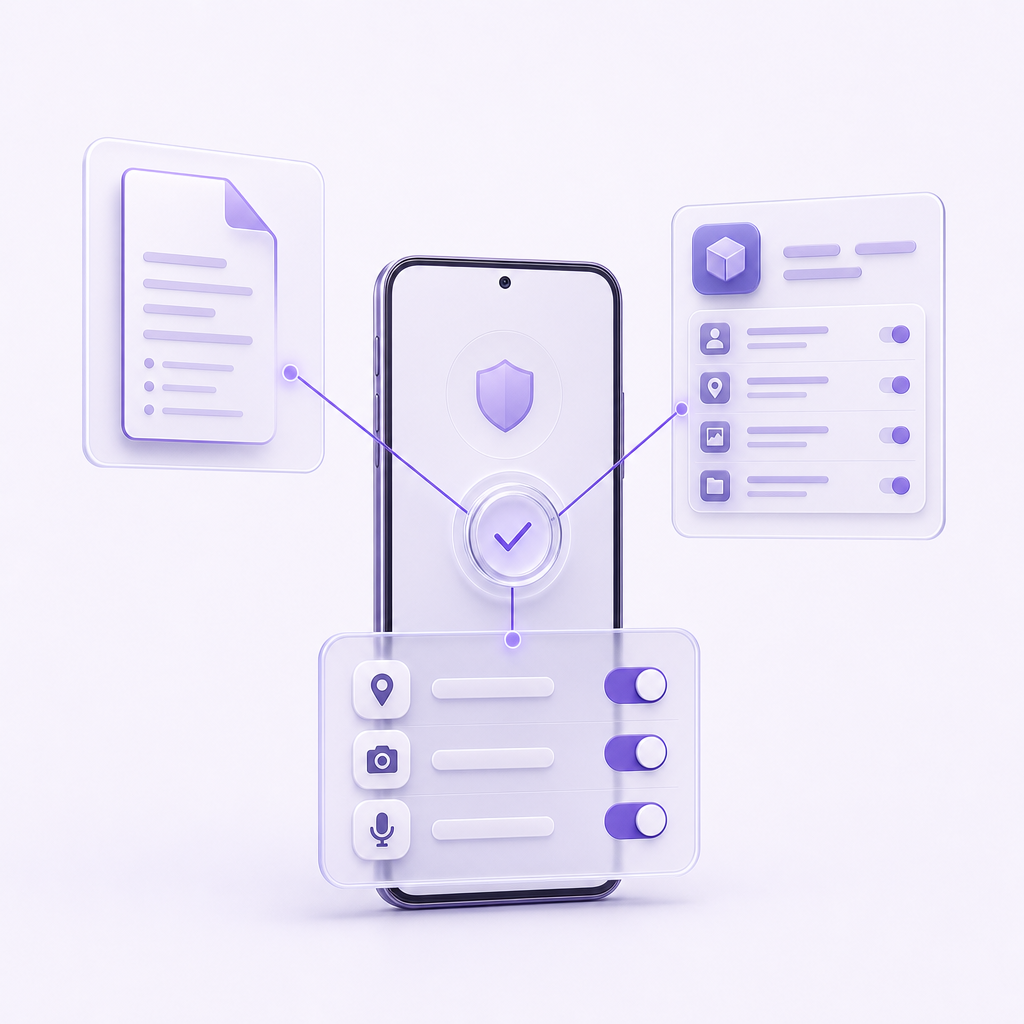
Use the provider's privacy policy and the Google Play listing together, then look at the permissions requested on your device. Google Play's Data safety section is useful for comparison because developers must declare how their apps collect, share, and handle data, although Google notes that practices can vary by version, region, and use case. (support.google.com)
Use this review process before installing an Android VPN:
- Read the Play listing. Open the Data safety section and note what the developer says it collects, shares, and protects.
- Read the provider's policy. Check whether the policy explains account information separately from activity or connection data.
- Install from a source you can verify. A Google Play listing gives you a consistent place to review data disclosures. If you use another installation source, verify that it is the provider's official distribution channel.
- Review permissions after installation. Android lets you inspect and change app permissions through Settings. Remove access that is not needed for a feature you use. Google's Android permission guide explains where to review those controls. (support.google.com)
- Test before depending on it. Connect on Wi-Fi and mobile data, then check whether the VPN remains active when the screen locks or when the network changes.
VPNSecure's published privacy policy says it collects account-management information such as an email address, user ID, password, and payment receipt, while stating that it does not log IP addresses, connection timestamps, DNS requests, bandwidth use, or browsing activity during VPN use. Treat that as the provider's stated policy, read the current version before subscribing, and decide whether it meets your own privacy standard. (vpnsecure.me)
A privacy claim deserves more confidence when the provider explains both what it does not log and what account information it still needs to run the service.
Does Android have a built-in VPN?
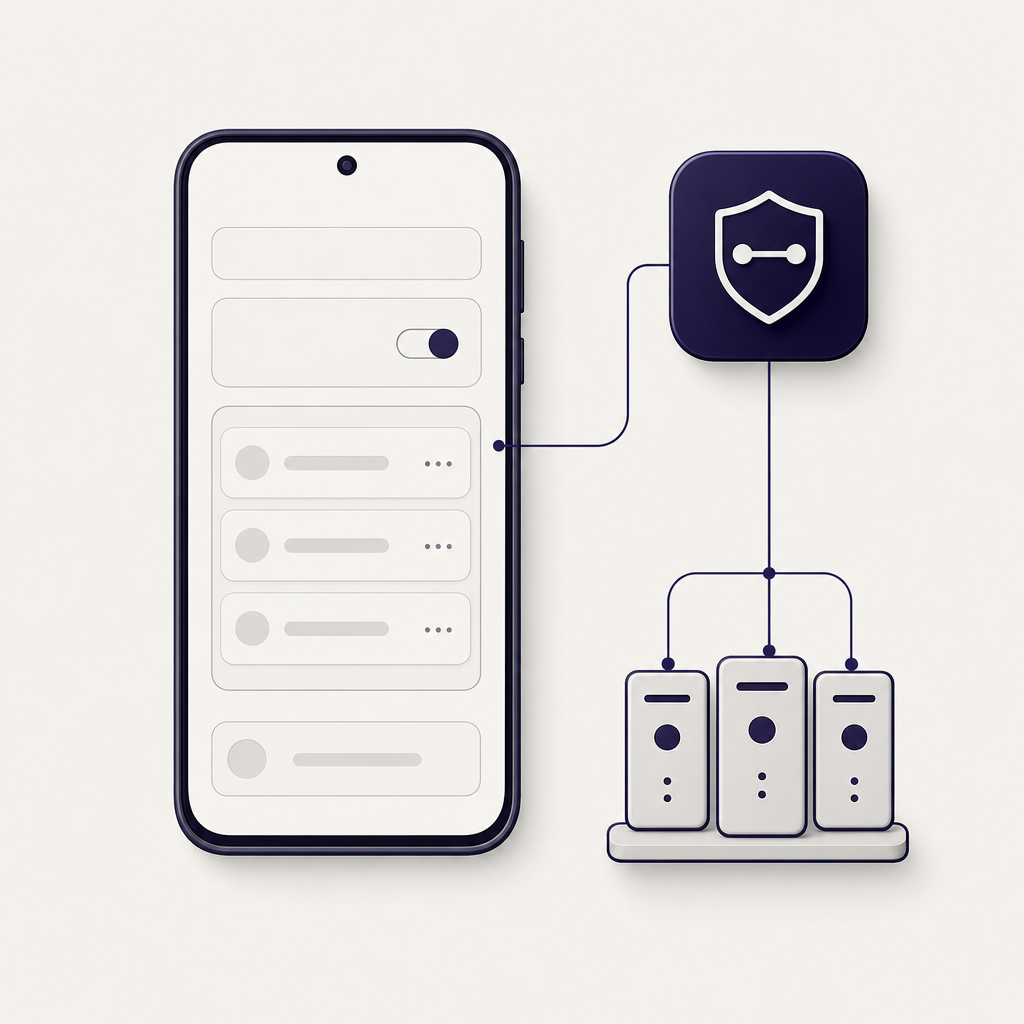
Android includes VPN settings for adding, connecting to, editing, and removing saved VPN profiles, but those settings are not the same thing as a universal VPN subscription. Google explains that some connections require details supplied by an administrator, while consumer VPN services commonly use their own Android apps for setup and connection management. (support.google.com)
On many Android devices, the path is Settings > Network & internet > VPN. The exact labels vary by manufacturer and Android version. Android's settings may let you add a profile manually when you have the server address and authentication details, but an app is usually easier for a consumer service because it can handle server selection, updates, protocol choices, and support information.
Android also supports always-on VPN capabilities in some configurations. Android's developer documentation says apps can support always-on behavior, but whether the setting appears and how it works can depend on the app, device, Android version, and management policies. Do not assume that every VPN app offers the same always-on or traffic-blocking controls. (developer.android.com)
If you want an Android app rather than manual profile settings, use the official download android page so that you start from the provider's documented installation route.
Android's built-in VPN menu is a connection manager, not a substitute for choosing a VPN provider and understanding its privacy practices.
How should you set up and test a VPN on Android?
Set up an Android VPN by installing the official app, signing in, approving Android's VPN connection request, choosing a server if needed, and testing the connection on the networks you use most. The first test should be about reliability and clarity, not just the speed shown on a single benchmark.
- Install the official app. Use the provider's documented Android download route or its verified Google Play listing.
- Sign in and read the connection prompt. Android should ask for permission before the app creates a VPN connection. Confirm that the prompt names the app you intended to install.
- Connect to a nearby or automatic server. Start with the app's recommended location, then change regions only when you have a reason, such as travel, a region-specific service, or connection troubleshooting.
- Check normal activities. Browse several sites, use messaging, try a call if relevant, and reconnect after switching between Wi-Fi and mobile data.
- Watch battery behavior for a day. Compare your normal battery use with a day of ordinary VPN use. If the impact is too high, check app updates, protocol settings, Android battery controls, and support guidance before deciding the service is unsuitable.
- Confirm your wider device plan. If you need protection beyond your phone, consider whether you also need a laptop or home-network setup. Readers who need network-wide coverage can learn how to use a router as a vpn client. If a Mac is part of the same device set, use the official download macos route.
Do not weaken Android's security settings or grant unrelated permissions just to make a VPN app work. A connection problem should first lead to the provider's support documentation, an app update, a different supported protocol, or a review of the network you are using.
The right Android VPN should work predictably on your real networks, not merely look good in a store listing.
What else do Android users ask about VPNs?
Android VPNs improve the privacy of the connection between your device and the VPN service, but they do not remove every risk online. These answers address the common questions that matter before installation.
Can the FBI track a VPN?
In the United States, a VPN does not make someone immune from a lawful investigation. Law enforcement can seek records from relevant services through legal process, and account information, payment details, device evidence, or activity outside the VPN tunnel may still identify a person. A no-activity-log policy can limit what a VPN provider says it retains, but it is not a guarantee of anonymity. (justice.gov)
Which VPN is 100% free for Android?
No Android VPN should be chosen solely because it is free. Check the provider's privacy policy, Google Play Data safety section, location availability, speed or data limits, and whether the service is financially supported by subscriptions rather than advertising or data collection. A free plan may suit occasional use, but it may not match regular travel, streaming, or work needs.
Does Android have a built-in VPN?
Android has built-in settings for adding and connecting to VPN profiles, usually under Network & internet settings. Those controls can connect to a profile supplied by an employer, school, administrator, or provider, but Android does not include a universal VPN service for every device. Many consumer VPN services use their own apps to handle setup and server selection. (support.google.com)
Is there a free unlimited VPN for Android?
Some providers advertise free Android plans without a data cap, but unlimited data does not automatically mean unlimited locations, full speeds, streaming access, or every premium feature. Read the current plan terms and privacy documentation before relying on a free plan. If an Android VPN is used daily, compare its practical limits with the cost and protections of a paid subscription.
A VPN is one layer of protection, so keep Android updated and continue to verify websites, apps, and public Wi-Fi networks.
What is the practical next step?
Choose two or three Android VPN options, compare their privacy disclosures and Play Store information, then test the one that best fits your devices and networks. For readers who want VPNSecure's stated Android support, server selection, and protocol options, start with the official download android page and review the current plan details before subscribing.