



















Download the VPN for macOS

Protect your online privacy with a secure VPN built for macOS. Browse safely on public Wi-Fi, access global content, and enjoy lightning-fast connections without compromising security.

VPNSecure for macOS

VPN Download

Download For

MACOS 12+

We have specially crafted one of the best looking VPN applications for your Mac, with built in protection to keep you anonymous! This is the VPN application you need to download. Requires macOS 12 (Monterey) or later.

SHA 256: f040230d1b15e163ba9e3b9d936839bbd53381743d71e29f5571a651ac8bd3dc

Download For

macOS 10.15 and 11

Still on Catalina or Big Sur? The VPNSecure legacy app 2.2.0 is built for macOS 10.15 (Catalina) and macOS 11 (Big Sur), with the same servers and your same login. If you are using an even older version, contact our support for assistance with setting up Tunnelblick.

SHA 256: 0f863ed40e9190bb45999094126a9adb305b13aa4e60208adc6b3dc00ece9a11

Getting up and Running

Once you have downloaded and installed the appropriate app from above, enabling your VPN is as simple as open, click and go!

Login, then choose a server to connect to & connect! You are now enjoying the internet as it should be. Open, secure and anonymously.

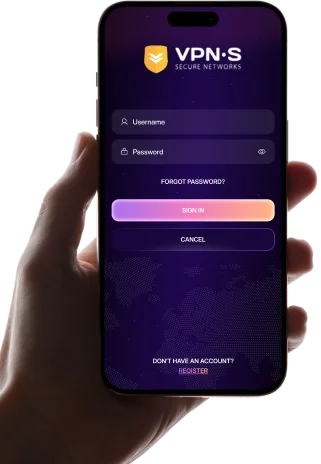
  1. Log In

    Enter your credentials to access the app.

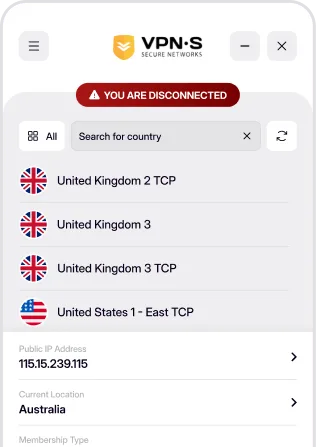
  2. Choose a Server

    Select a location from the list to connect to.

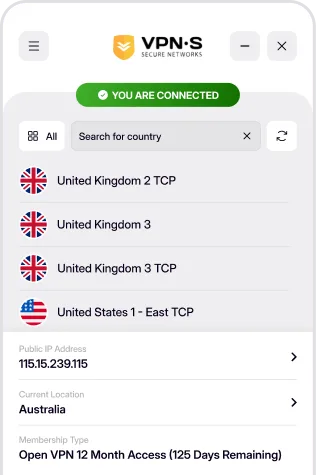
  3. You're Connected

    Enjoy a secure, private and anonymous internet experience.

Questions

macOS FAQs

Requirements, installation, auto-connect and the kill switch.

Which macOS versions are supported?

The current app needs macOS 12 Monterey or later. If your Mac is on macOS 10.15 Catalina or macOS 11 Big Sur, use the legacy 2.2.0 app offered on this page: it connects to the same servers with the same login. Anything older is not supported, but OpenVPN configuration files from the members area still work with third-party clients. Other platforms are on the download page.

How do I install VPNSecure on macOS?

Download the macOS 12+ package above, open it and follow the installer, then launch VPNSecure from your Applications folder. Sign in with your VPNSecure username and password, pick a server and press Connect; macOS asks once for permission to add the VPN configuration. If you do not have an account yet, create one on the pricing page first.

Does the macOS app auto-connect, and is there a kill switch?

Yes. In Settings › General turn on Kill switch to block all internet traffic whenever the VPN is not connected, and Connect on start to connect automatically as soon as the app launches. Both are off by default. Stealth VPN, for networks that block VPN traffic, is in the same settings; the features page explains when to use it.

One plan. Every device.

Up to 10 devices on one plan, TVs included. No logs, ever.